Quick Answer
If you have ADHD and struggle with focus, your iPhone can be a powerful tool! Prioritize apps that simplify tasks, minimize distractions, and offer visual reminders. Consider apps that use strengths-based approaches, like those that leverage creativity and visual learning. Don't forget to leverage the lock screen – you see it up to 352 times per day!
The Challenge: ADHD and iPhone Overload
Our iPhones are amazing, but they can also be black holes for our attention, especially if you're managing ADHD. The constant stream of notifications, endless apps, and easy access to distractions make it hard to stay on task. That's why finding the right adhd productivity apps iphone is crucial for reclaiming your focus and productivity. It's about leveraging technology to work with your brain, not against it.
Why Traditional To-Do Lists Often Fail (And What Works Instead)
Traditional to-do lists can feel overwhelming for individuals with ADHD. Long lists, lack of visual cues, and the sheer volume of tasks can lead to procrastination and avoidance. The key is to find tools that break down tasks into smaller, more manageable steps. Think visual reminders, gamification, and prioritization features. Many find success with methods like the Pomodoro Technique paired with apps that support time blocking and focused work sessions.
Each glance is an opportunity to reinforce your goals and tasks.
Top ADHD Productivity Apps for iPhone: A Curated List
Here are some of the best adhd productivity apps iphone designed to help you manage your time, tasks, and focus. Remember, what works for one person might not work for another, so experiment to find what suits your unique needs and preferences.
- •
Time-tracking apps: Apps like Toggl Track or Clockify can help you understand where your time goes. Understanding your time is key to improving your productivity.
- •
Focus apps: Forest, Freedom, and Serene block distracting websites and apps, helping you stay on task. Set specific work periods and avoid temptation!
- •
Task management apps: Todoist, TickTick, and Microsoft To Do offer robust task management features, including prioritization, reminders, and collaboration. Find one that resonates with your workflow.
- •
Note-taking apps: Evernote, OneNote, and Bear are great for capturing ideas, organizing information, and creating visual notes. Use tags and folders to stay organized.
- •
Visual reminder apps: This is where NoteWall shines! Keep your goals, reminders, and motivational messages front and center on your lock screen.
Leveraging Your Lock Screen with NoteWall
With ADHD, out of sight, out of mind is a common challenge. NoteWall directly addresses this by turning your iPhone lock screen into a dynamic reminder board. Because you see your lock screen so often (up to 352 times a day!), NoteWall helps you stay focused on your priorities without having to open an app or remember to check a to-do list. Use it to display your daily goals, appointment reminders, or even motivational quotes. This constant visual reinforcement can significantly improve your focus and reduce procrastination.
Pro tip: Use vibrant colors and concise text in NoteWall to capture your attention instantly!
NoteWall uses Apple Shortcuts to seamlessly update your lock screen wallpaper with your notes and reminders. This automated process means you don't have to manually update your wallpaper every time you want to change your focus.
Setting Up NoteWall: A Simple Guide
Step 1: Download NoteWall from the App Store. Download Now
Step 2: Create your notes, goals, or reminders within the app. Keep them concise and visually appealing.
Step 3: Follow the in-app instructions to set up the Apple Shortcut. It's a one-time setup that automates the process.
Step 4: Customize the frequency of updates to suit your needs. Daily updates are a good starting point.
Beyond Apps: Building a Supportive iPhone Environment
While adhd productivity apps iphone are helpful, it's equally important to create a supportive environment on your iPhone. This includes disabling unnecessary notifications, organizing your apps into folders, and setting specific times for checking email and social media. Consider using iOS's built-in Focus modes to filter out distractions during work or study sessions. Also, be mindful of the apps you use and how they impact your focus. Sometimes, simplifying your digital life can be just as effective as adding more tools.
⚠️ Consistency is Key
Remember that no app is a magic bullet. The effectiveness of any adhd productivity app depends on your commitment to using it consistently and integrating it into your daily routine. Give yourself time to experiment and find what works best for you.
Keep Reading: If you found this helpful, check out these related guides:
Unlock Focus: Using Visual Reminders for ADHD with Your iPhone
Visual Reminders for ADHD: How Your iPhone Lock Screen Can Help You Focus
Unlock Your Focus: Future-Proofing Memory for ADHD in 2026
For a comprehensive overview, visit our ADHD Focus Tips.
Transform Your iPhone
Get NoteWall today and start using your lock screen for productivity.
Download NoteWall Free
Karol Billik
Founder of NoteWall. Building tools that turn your lock screen into a productivity system.
You might also like
Unlock Productivity: The Best Lock Screen Apps for iPhone
Transform your iPhone's lock screen into a productivity powerhouse! Discover the best lock screen apps to boost focus and achieve your goals. Get more done!
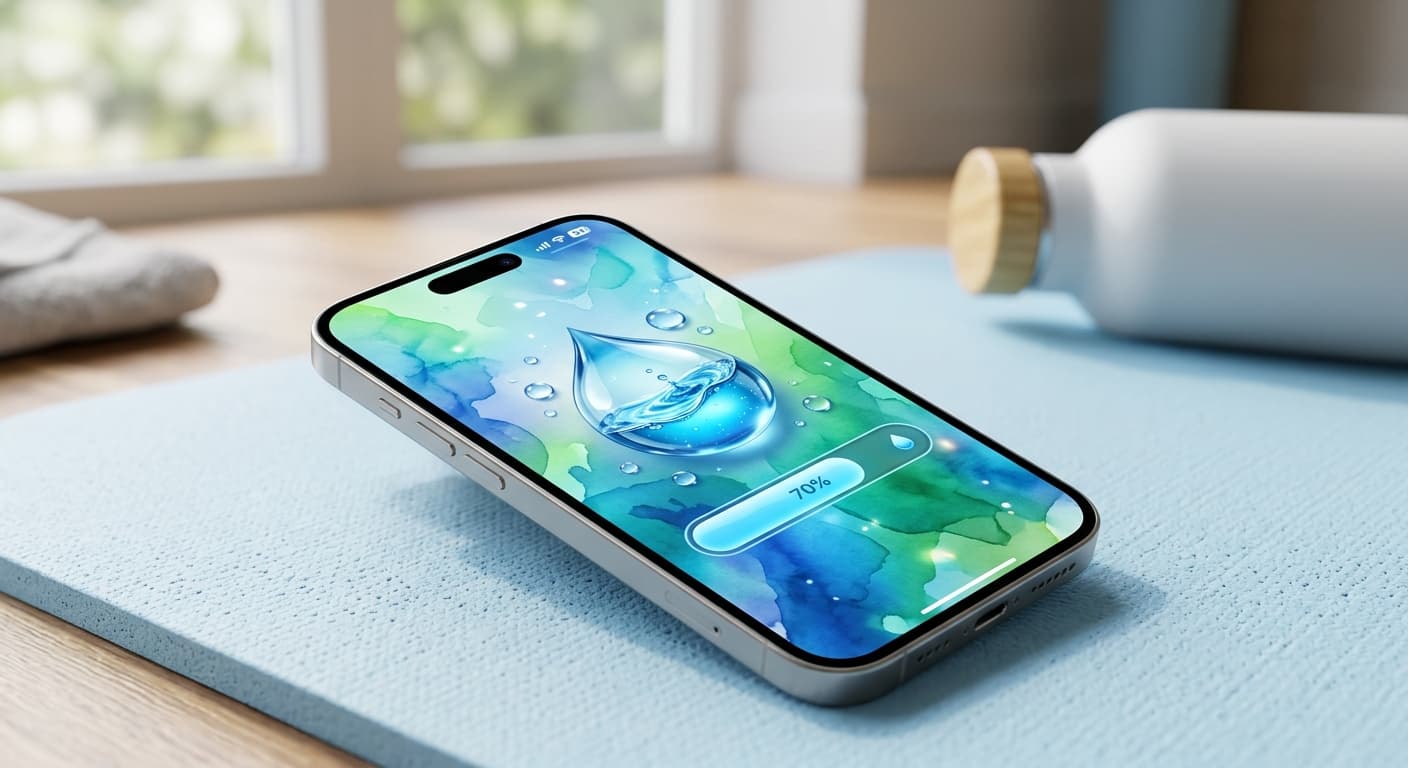
Unlock Personalized Hydration: Your 2026 iPhone Lock Screen as a Smart Water Reminder Hub
Master intelligent hydration in 2026. Use your iPhone Lock Screen, Apple Health, Shortcuts, and top apps for personalized water reminders and seamless tracking.
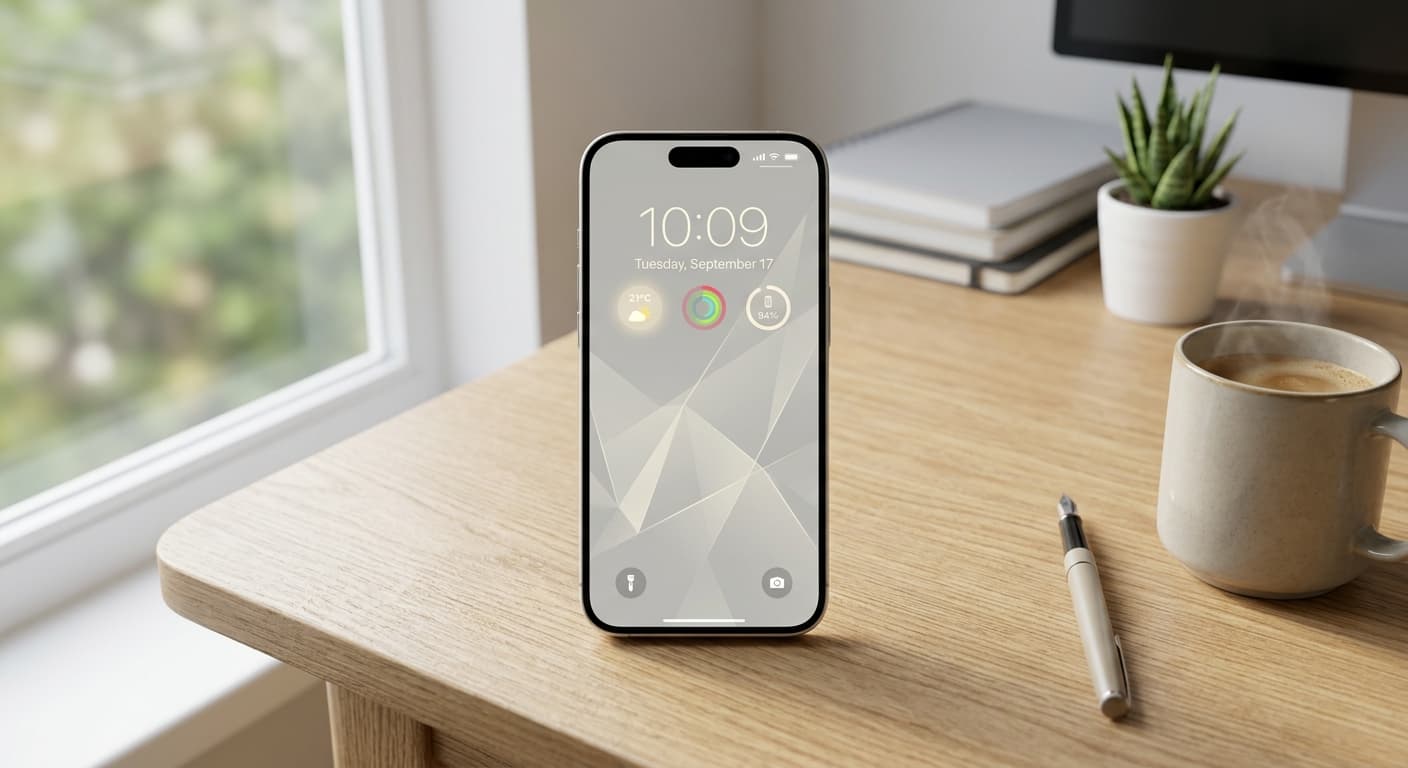
Unlock Focus: Master Your Minimalist iPhone Lock Screen with iOS 19/20
Transform your iPhone lock screen into a minimalist powerhouse with iOS 19/20. Boost focus, reduce distractions, and enhance digital well-being in 2026.