The Problem with Traditional Goal Tracking
Setting goals is easy. Remembering them past January 15th is the hard part. Studies show that 80% of New Year's resolutions fail by February — not because people lack motivation, but because goals fade from awareness.
Traditional goal tracking apps suffer from the same fundamental flaw: they require you to actively open them. And the moment life gets busy (which is always), checking your goal tracker drops off the priority list. The goals become invisible, and invisible goals don't get achieved.
The solution isn't a better goal tracking app with more features. It's a system where your goals find you — where they're visible without any effort on your part.
Goal Visualization: The Science of Seeing Your Goals
Research in psychology consistently shows that goal visualization increases achievement rates. But most people think of visualization as a meditation practice — sitting quietly and imagining your success. That works, but it requires deliberate effort.
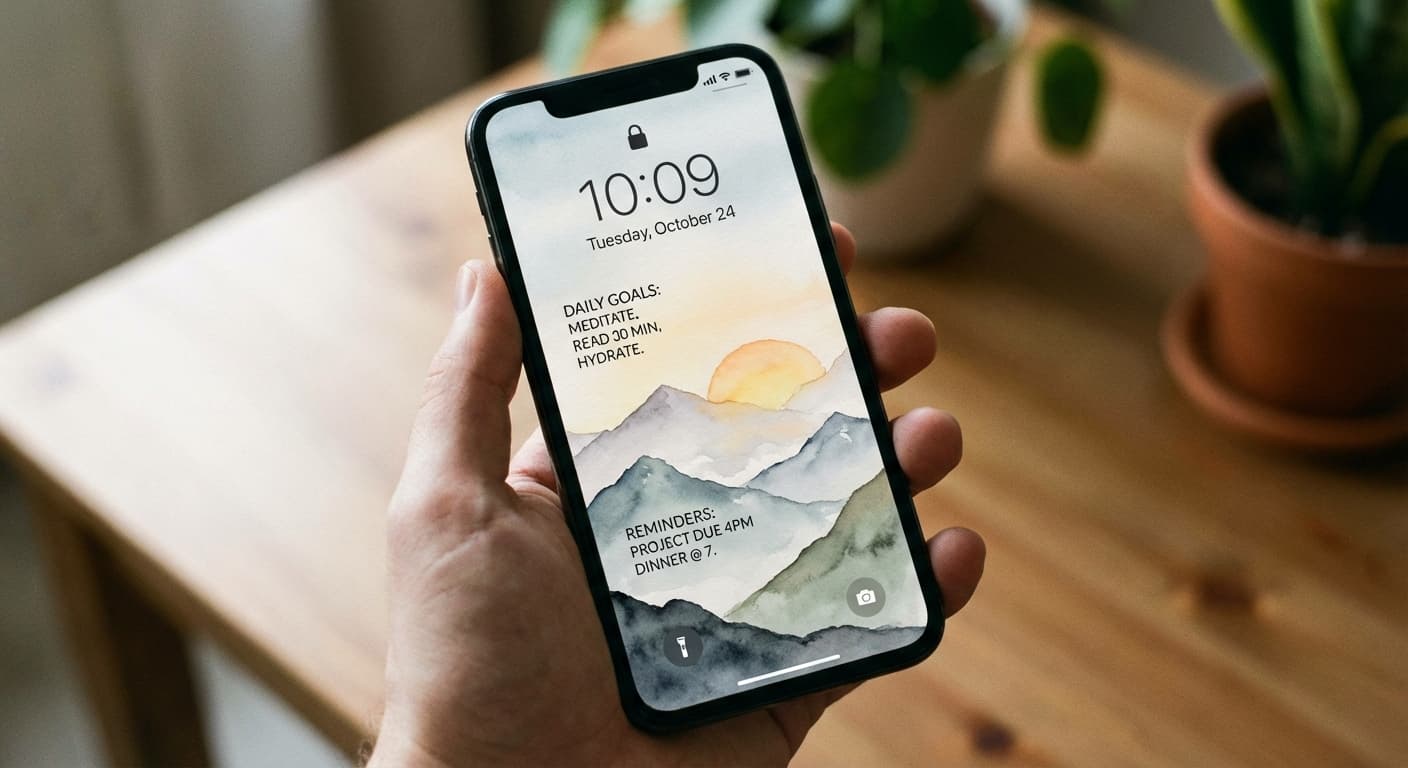
Passive goal visualization is different. It's placing your goals in an environment where you see them repeatedly, without trying to. Your iPhone lock screen is the perfect venue for this because:
- You see it 352 times per day on average
- You see it before distractions have a chance to grab your attention
- It requires zero effort to "check" your goals
- The repetition creates deep familiarity with your priorities
This isn't woo-woo motivation. It's leveraging the psychological principle of priming — repeated exposure to goals keeps them active in your subconscious, making goal-aligned decisions more automatic throughout the day.
How to Track Different Types of Goals
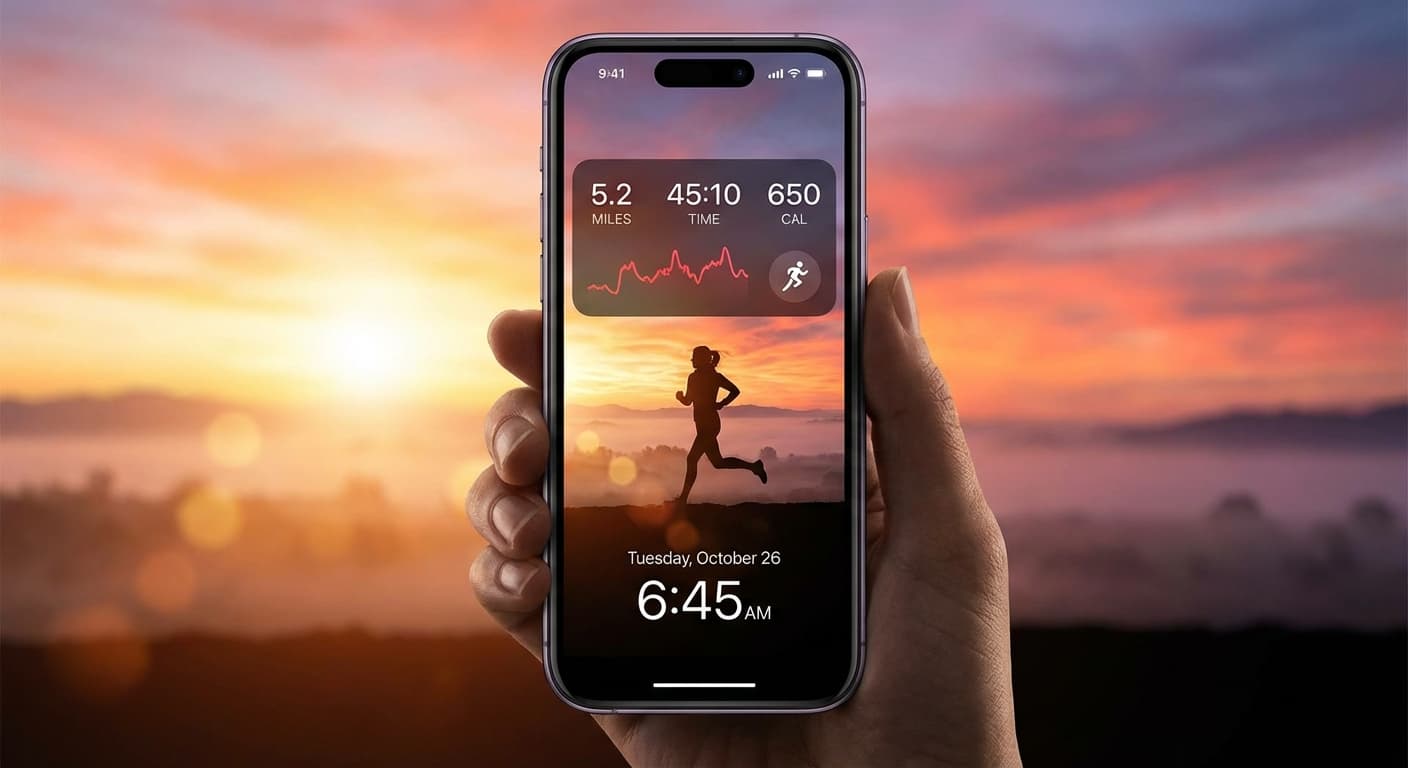
Fitness goals: "Run 3x this week" or "10,000 steps today" on your lock screen serves as both a reminder and an accountability check. Every phone pickup asks: did you do it yet?
Study goals: Students find lock screen goals powerful for exam prep. "Study Calc 2hrs today" seen repeatedly creates urgency that a silent calendar event can't match.
Financial goals: "No unnecessary purchases this week" or "Save $500 this month" creates a moment of pause before impulse spending — especially since you often check your phone right before buying something online.
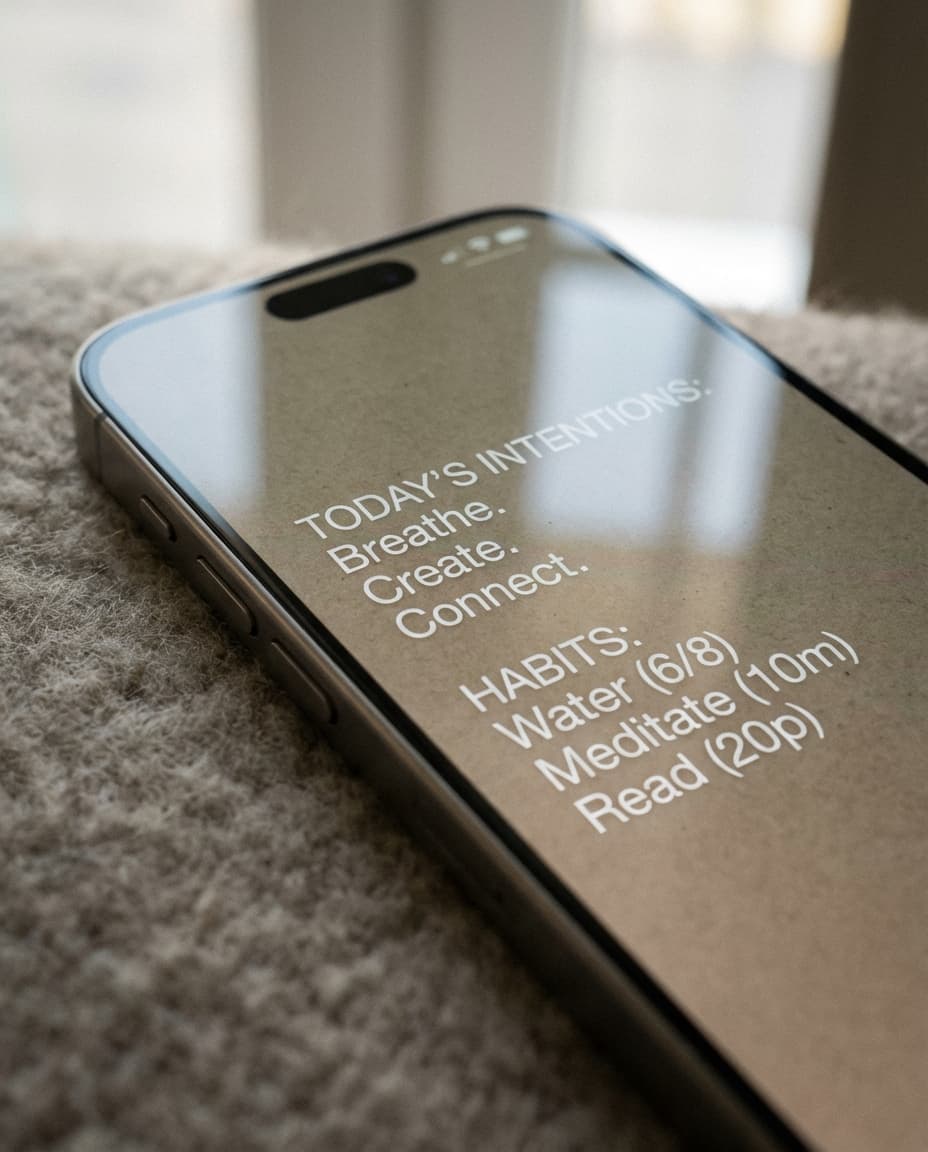
Health goals: "Drink 8 glasses of water" or "Take vitamins" works better as a passive visual reminder than as a notification you dismiss and forget.
Career goals: "Apply to 2 jobs today" or "Finish portfolio site" keeps professional development visible even during busy workdays.
The key is specificity. "Get healthier" doesn't work. "Walk 30 min after lunch" does. Your lock screen should show concrete, actionable goals — not aspirational vague statements.
Building a Daily Goal Review System
The most effective goal trackers pair long-term goals with daily actions. Here's a system that works:
Morning (2 minutes): Open NoteWall, update your lock screen with today's top 3 priorities. These should be the 3 things that, if accomplished, make today a success.
Throughout the day: Your lock screen passively reminds you of those priorities every time you pick up your phone. No action needed — just awareness.
Evening (1 minute): Review what you accomplished. Update tomorrow's goals if needed. The act of refreshing your wallpaper signals your brain that today's work is done.
This system works because it's lightweight. Two minutes in the morning, one minute at night. No complex apps, no lengthy journaling, no habit streak anxiety. Just clarity about what matters today.
Goal Tracking for Habits vs. One-Time Goals
Habits and goals require different approaches on your lock screen:
For habits (recurring behaviors): Keep them on your lock screen for at least 30 days. Habits need repetition to stick, and seeing "Meditate 10 min" daily reinforces the behavior until it becomes automatic.
For one-time goals (project milestones, deadlines): Use time-bound phrasing. "Submit application by Friday" creates urgency. Remove it once completed and replace with the next milestone.
For aspirational goals (long-term visions): Mix one aspirational item with your daily tasks. "Build a life I'm proud of" alongside "Email client proposal" connects daily actions to bigger purpose.
The best lock screens mix all three: one habit you're building, one task for today, and one reminder of why it all matters.
Why NoteWall Is the Simplest Goal Tracker
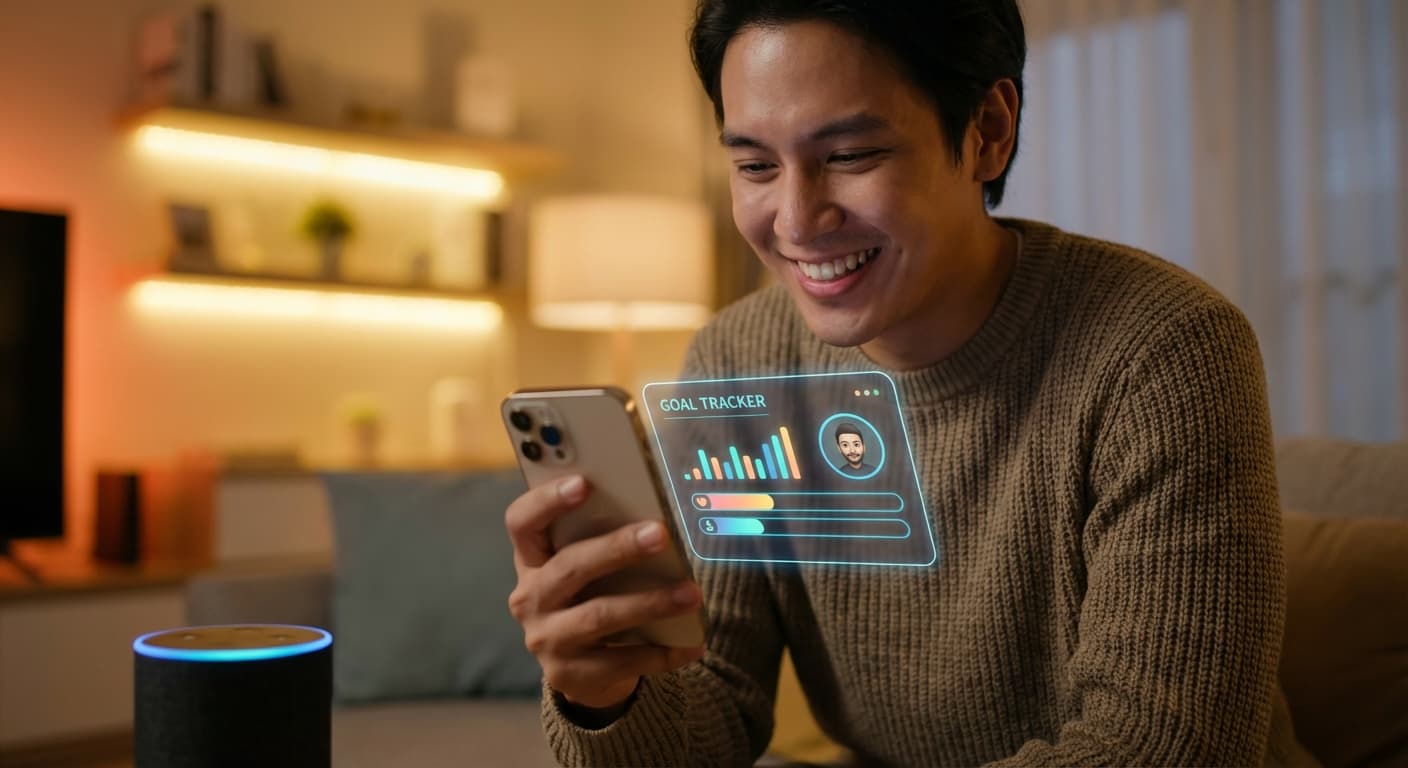
Complex goal trackers with progress bars, streaks, and analytics can actually work against you. They create "productivity guilt" when you break a streak or miss a day. And they require maintenance — another task on your already full plate.
NoteWall takes the opposite approach. There are no streaks to break, no statistics to analyze, no social features to compare yourself with others. Just your goals, on your lock screen, visible every time you pick up your phone.
This simplicity is intentional. The best productivity system is the one you actually use. And you'll use NoteWall because it requires almost no effort — your phone does the work of reminding you, automatically.
All your data stays on your device. No account needed. No cloud sync. Just clarity, 352 times a day.