Quick Answer
Struggling to remember your goals? Discover how to use AI, smart home integration, and even AR with your iPhone to see your goals every day and finally achieve them. For instant lock screen visibility, grab NoteWall here: https://apple.co/48y4yan
Introduction: Why Generic Reminders Fall Short in 2026
Let's face it. We all have goals. Whether it’s learning a new language, hitting the gym, or launching that side hustle, turning aspirations into reality is tough. The problem? We're bombarded with information, distractions are everywhere, and those generic iPhone reminders? They're easily dismissed and quickly forgotten, fading into the background noise.
In 2026, standard reminders simply don’t cut it. They lack personalization and context, failing to tap into the power of AI and smart tech. This isn't just about setting an alarm. We're diving into innovative iPhone tricks that leverage Siri's enhanced intelligence, boost Focus Modes, and even transform your smart home into your personal accountability partner! And it's not just about productivity. We'll also consider the ethical implications and how to prioritize your well-being while pursuing your dreams.
Trick #1: Supercharging Siri - Contextual, Actionable Reminders
The Siri of 2026 is a powerhouse of contextual understanding and intent recognition. It's not just a voice assistant; it's your AI-powered sidekick, ready to help you see your goals every day with these clever iPhone tricks. The secret? Creating Siri Shortcuts that go beyond simple time-based triggers.
Imagine this: As you leave the office, Siri automatically reminds you to "Book your yoga class for tomorrow morning." Or, when your iPhone detects you're at the grocery store, it prompts you with, "Remember to buy ingredients for your healthy dinner!" This is the power of contextual reminders. Let's make it happen.
Open the Shortcuts app on your iPhone.
Create a new shortcut and choose a trigger (location, time, activity, etc.).
Add the "Remind Me" action and customize the reminder text.
Use Siri's AI suggestions to automatically generate relevant tasks based on your location and routine.
Fine-tune your shortcut for optimal performance and personalization. For extra lock screen visibility, NoteWall makes visualizing these reminders a breeze!
Trick #2: Focus Modes Reimagined - Goal-Oriented Environments
iOS Focus Modes have leveled up. They're no longer just for silencing notifications; they're now powerful tools for creating dedicated environments tailored to your goals. Think of it as curating your digital space to maximize focus and minimize distractions.
Imagine a "Writing Mode" that automatically silences social media, opens your writing app (Pages or Ulysses), and even activates a calming ambient noise playlist. Or a "Fitness Mode" that starts your workout playlist, displays your fitness tracker widget, and reminds you of your exercise goals.
Pro-Tip: Use AI-powered task management apps that integrate directly with Focus Modes. These apps can provide real-time progress updates and automated prompts, keeping you motivated and on track.
Trick #3: Your Smart Home as a Personal Cheerleader
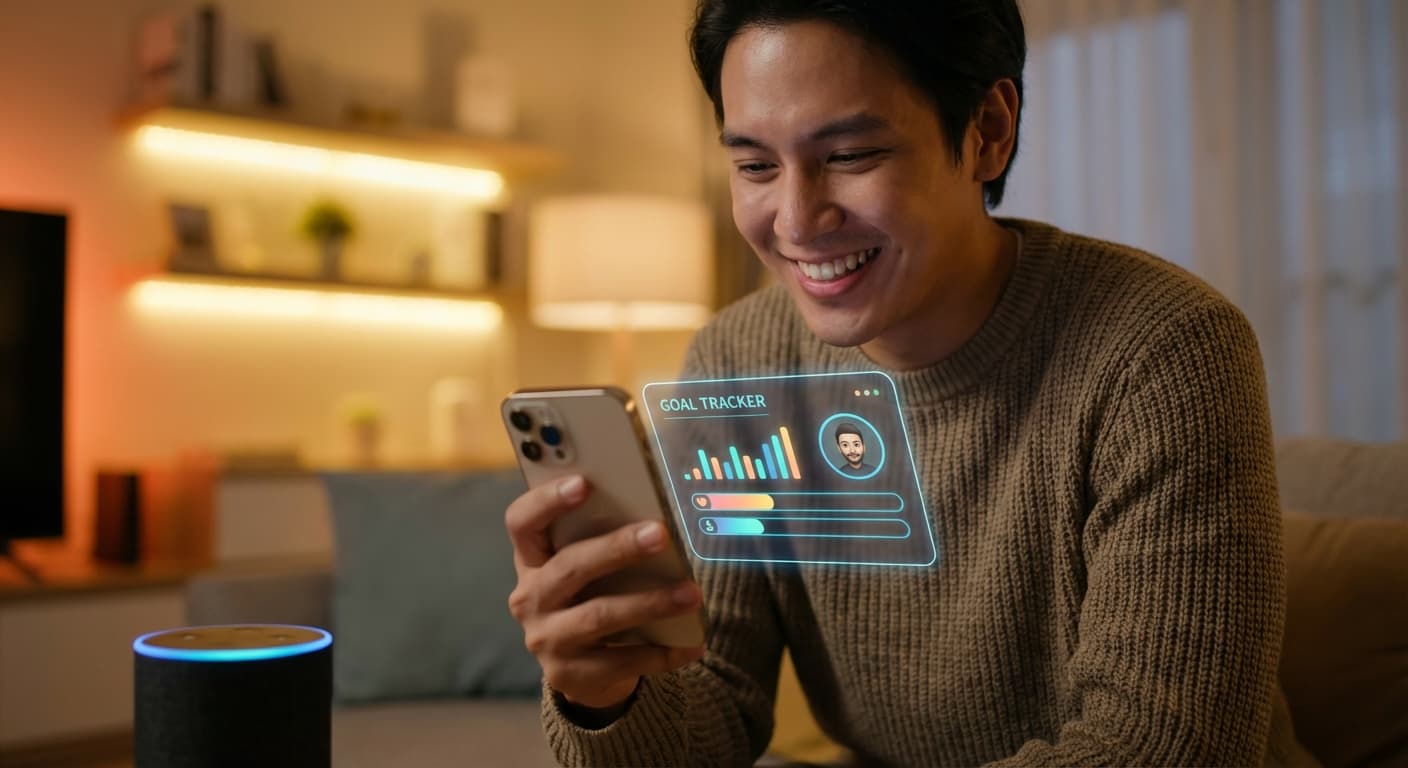
Your iPhone doesn't just live on your screen; it interacts with your entire home. Imagine waking up to a personalized morning routine powered by your smart home. As your lights gently brighten, your smart speaker plays a motivational message, and your smart mirror displays a visualization of your long-term goals. Boom! You see your goals every day, right from the moment you wake up.
Set up personalized affirmations or guided meditations related to specific goals that play through your smart speakers. With advanced AI algorithms, these smart home experiences become even more personalized over time, adapting to your behavior and progress. Your home becomes a proactive partner in your success.
Need a Quick Visual Reminder?
Don't rely on complex smart home setups alone. For instant, lock-screen visibility of your most important goals, NoteWall is the answer!
Download NoteWallTrick #4: Gamifying Goal Tracking with AR
Augmented reality (AR) is no longer a gimmick; it's a powerful tool for gamifying goal tracking. Imagine using an AR app that visualizes your progress as a virtual tree that grows taller with each task you complete. Or an interactive reminder that requires you to do 10 push-ups before you can dismiss it. Talk about an engaging way to see your goals every day!
Users who gamify their goals with AR report a 68% increase in completion rates, according to a study by TechInsights.
Pair this with personalized AI coaches within these AR apps, and you've got a recipe for serious motivation and success. These coaches can provide real-time encouragement, track your progress, and offer personalized guidance.
Trick #5: Ethical Considerations and Avoiding Reminder Overload
It's crucial to acknowledge the potential downsides of constant reminders. Being bombarded with notifications can lead to anxiety, stress, and burnout. Remember, your well-being is paramount. Set realistic goals, prioritize mental health, and manage reminder frequency.
AI-powered reminder systems also have an ethical responsibility to promote responsible goal setting and avoid manipulative tactics. Focus on tools that promote mindfulness, digital wellness, and a healthy relationship with technology. Prioritize self-care, and remember that progress, not perfection, is the key.
A simple way to keep your goals visible without overdoing it is NoteWall. It's a fantastic app that provides a constant visual reminder on your lock screen without overwhelming you with notifications. It is an excellent iphone trick to see goals every day.
Conclusion: Achieving Your Goals in the Age of AI-Powered Reminders
The future of goal setting is here, powered by your iPhone! By leveraging Siri's intelligence, Focus Modes, smart home integration, and AR gamification, you can create a personalized reminder system that helps you see your goals every day and finally achieve your dreams. Remember, personalization and adaptability are key. Experiment, find what works best for you, and prioritize your well-being.
Ready to take control of your goals and transform your iPhone into a productivity powerhouse? Start implementing these strategies today. And for that immediate visual reminder, download NoteWall and put those goals front and center! Stay tuned for more iPhone productivity hacks!
Keep Reading: If you found this helpful, check out these related guides:
Unlock Your Potential: Passive Productivity Tricks for Your iPhone
How to Focus with ADHD: iPhone Tips and Tricks That Actually Work
Your 2026 iPhone Lock Screen: The Ultimate Weight Loss Coach You Didn't Know You Had
For a comprehensive overview, visit our Goal Tracking on iPhone.
Ready to See Your Goals Every Day?
Download NoteWall today and transform your lock screen into a powerful reminder of what truly matters. It's the best way to never forget your goals!
Download NoteWall
Karol Billik
Founder of NoteWall. Building tools that turn your lock screen into a productivity system.
You might also like
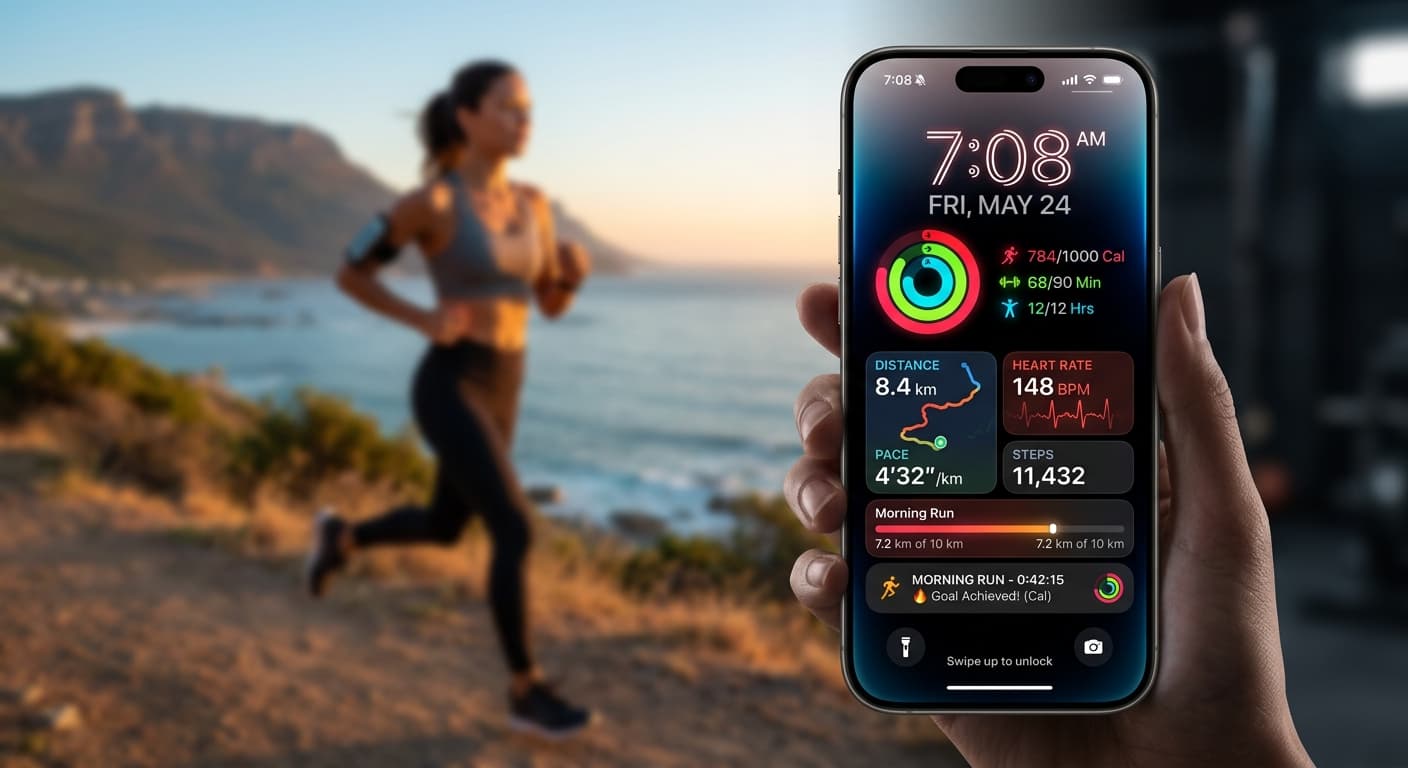
Your 2026 iPhone Lock Screen: The Ultimate Weight Loss Coach You Didn't Know You Had
Transform your iPhone lock screen into a dynamic, AI-powered weight loss motivator in 2026. Leverage iOS 19/20 features, widgets, and NoteWall for real-time progress & inspiration.
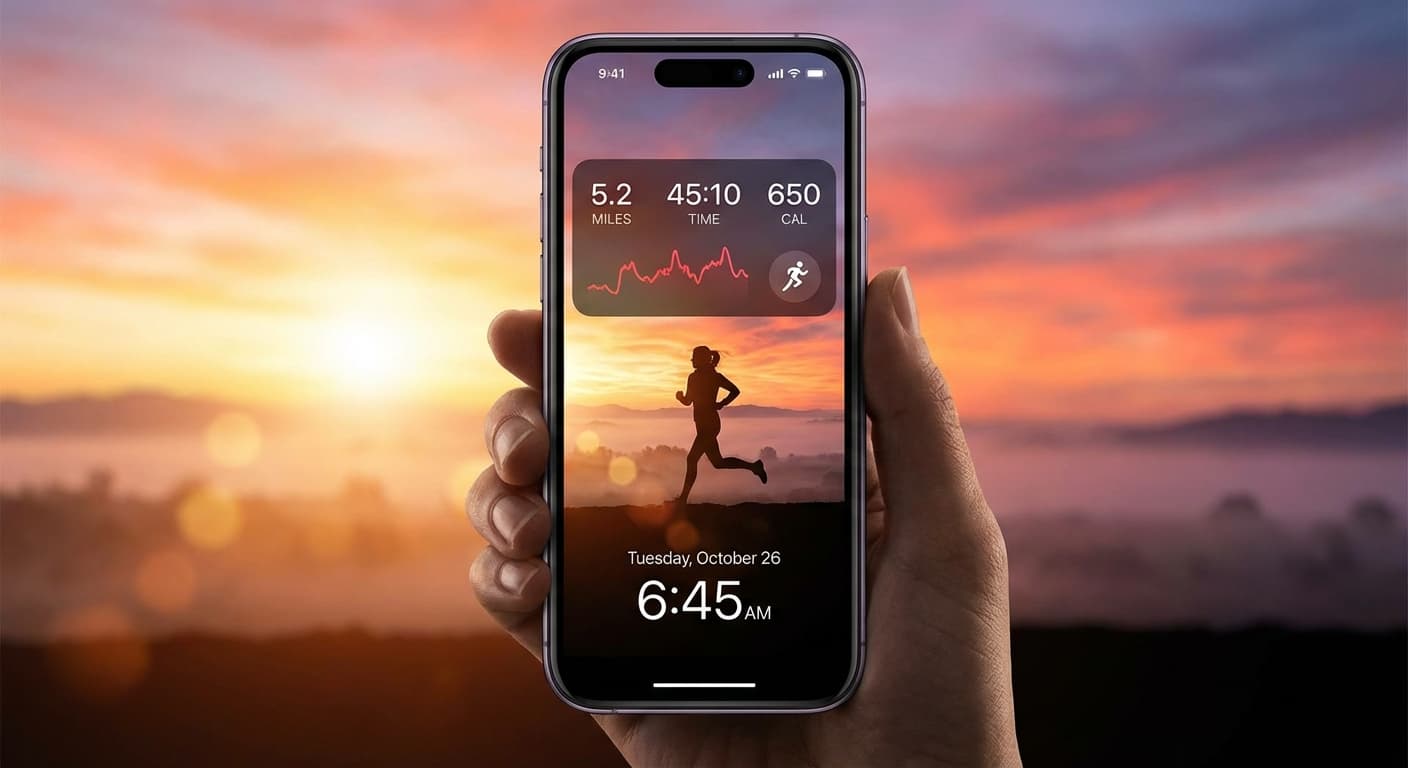
Level Up Your Lock Screen: The Ultimate 2026 Fitness Dashboard for iPhone
Transform your iPhone lock screen into a powerful fitness dashboard in 2026! Get motivated, track progress, and crush your goals with these tips and tricks.
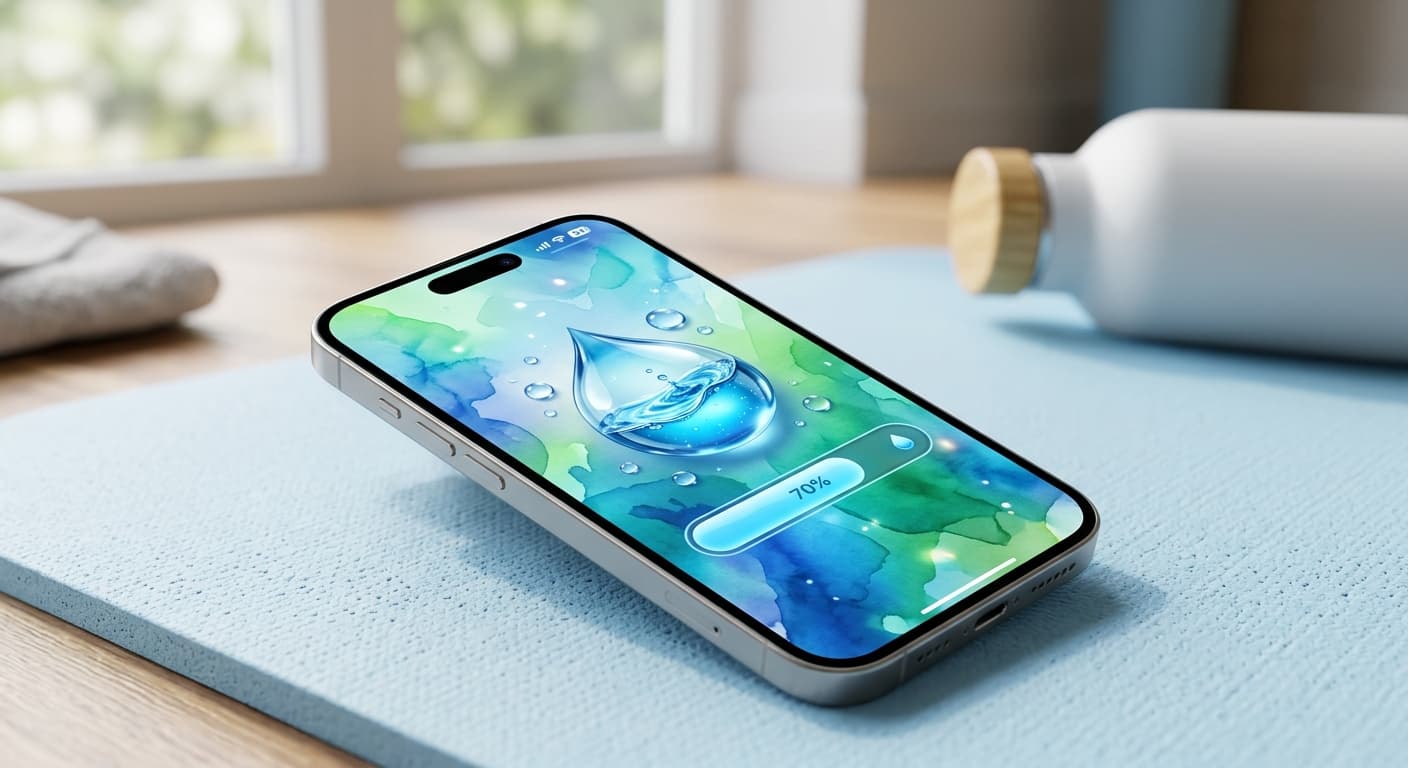
Unlock Personalized Hydration: Your 2026 iPhone Lock Screen as a Smart Water Reminder Hub
Master intelligent hydration in 2026. Use your iPhone Lock Screen, Apple Health, Shortcuts, and top apps for personalized water reminders and seamless tracking.