Quick Answer
Looking for the best lock screen apps for productivity? Prioritize apps that display important information, offer quick access to tasks, and integrate with your existing workflow. Consider apps like NoteWall, which lets you turn your lock screen into a dynamic hub for notes and reminders. Efficiency at a glance!
Why Your Lock Screen is Prime Productivity Real Estate
We unlock our phones hundreds of times a day. Studies show the average user checks their phone up to 352 times daily. That's 352 opportunities to be distracted...or 352 opportunities to be productive! Transforming your lock screen into a hub for reminders, goals, and important information is a game-changer. Think of it as your personal productivity dashboard, always visible and always working for you.
Every view is an opportunity to reinforce your goals!
Features to Look for in Lock Screen Productivity Apps
When choosing the best lock screen apps for productivity, consider these key features:
- Customization: Can you tailor the information displayed to your specific needs?
- Ease of Use: Is it quick and easy to add or update information?
- Integration: Does it connect with your other productivity tools, like calendars or task managers?
- Visual Appeal: Is the design clean and easy to read? A cluttered lock screen defeats the purpose!
- Notifications: Smart alerts are useful, but prioritize apps that minimize distractions. You want a visual reminder, not a constant barrage of notifications.
Pro Tip: Don't overload your lock screen! Prioritize the 2-3 most important things you need to focus on each day. Less is more!
NoteWall: Your Dynamic Lock Screen Companion
NoteWall offers a unique approach to lock screen productivity. It leverages the power of Apple Shortcuts to dynamically update your wallpaper with notes, goals, reminders, and even motivational quotes. This means every time you glance at your phone, you're greeted with a visual cue that reinforces your objectives. It's a simple, yet powerful way to stay focused and motivated throughout the day. You can download NoteWall here.
NoteWall's use of Apple Shortcuts ensures seamless integration with your iPhone. It's a native experience, designed to work flawlessly with iOS. No clunky interfaces or complicated setups!
Setting Up NoteWall for Maximum Productivity
Step 1: Download NoteWall from the App Store: https://apple.co/48y4yan.
Step 2: Create your notes, goals, or reminders within the app. Use concise language for maximum impact.
Step 3: Set up the Apple Shortcut. NoteWall provides clear instructions to guide you through the process. This step allows NoteWall to automatically update your wallpaper.
Step 4: Schedule the shortcut to run at regular intervals (e.g., every hour, every few hours, or daily). Experiment to find the frequency that works best for you.
Step 5: Enjoy your newly transformed and productivity-boosting lock screen!
Beyond Apps: General Lock Screen Optimization Tips
Even without a dedicated app, you can optimize your lock screen for productivity:
- Curate Your Notifications: Disable or silence unnecessary notifications.
- Choose a Calming Wallpaper: Avoid distracting or visually overwhelming backgrounds.
- Use Widgets Wisely: iOS widgets can provide quick access to information, but don't overdo it.
Remember, the goal is to create a calm and focused environment that supports your productivity goals.
⚠️ Critical Point
While apps like NoteWall can significantly boost productivity, they're not a magic bullet. They work best when combined with other good habits, such as time management, goal setting, and focused work sessions. Consistency is key!
- •
Prioritize your tasks each day. Knowing what's most important helps you stay on track.
- •
Break down large goals into smaller, more manageable steps. This makes them less daunting and easier to achieve.
- •
Regularly review and update your notes and reminders. Keep them fresh and relevant to your current priorities.
Keep Reading: If you found this helpful, check out these related guides:
Unlock Your iPhone's Potential: The Best Reminder Apps for iPhone in 2026 (AI-Powered)
Lock Screen To-Do Lists in 2026: Unlock Peak Productivity (Without Unlocking Your Phone!)
Top iPhone Wallpaper Apps in 2025: Customize Your Lock Screen
For a comprehensive overview, visit our Lock Screen Productivity Guide.
Transform Your iPhone
Take control of your lock screen and turn it into a powerful productivity tool.
Download NoteWall Free
Karol Billik
Founder of NoteWall. Building tools that turn your lock screen into a productivity system.
You might also like
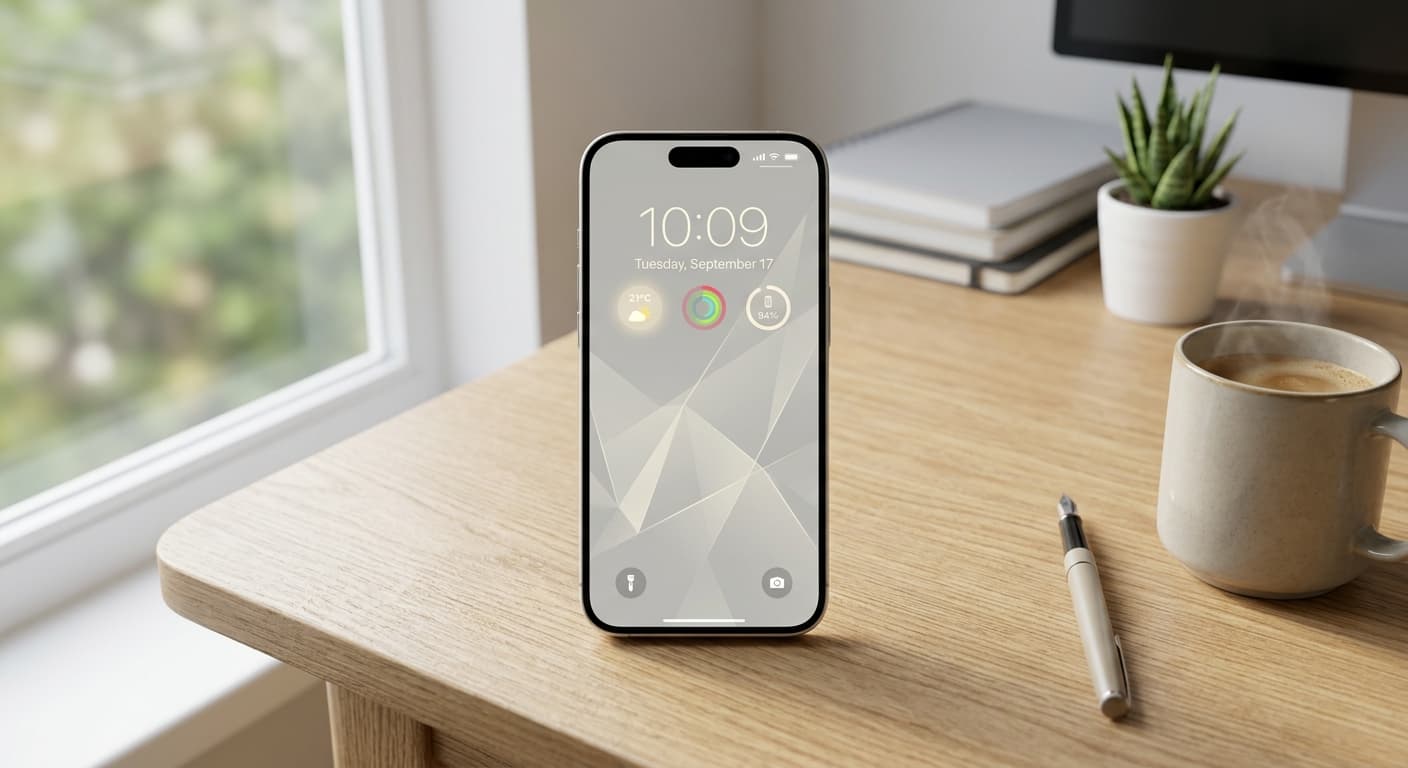
Unlock Focus: Master Your Minimalist iPhone Lock Screen with iOS 19/20
Transform your iPhone lock screen into a minimalist powerhouse with iOS 19/20. Boost focus, reduce distractions, and enhance digital well-being in 2026.
Top iPhone Wallpaper Apps in 2025: Customize Your Lock Screen
Find the best wallpaper apps iPhone 2025 has to offer! Discover stunning backgrounds and unique customization options to personalize your iPhone lock screen.
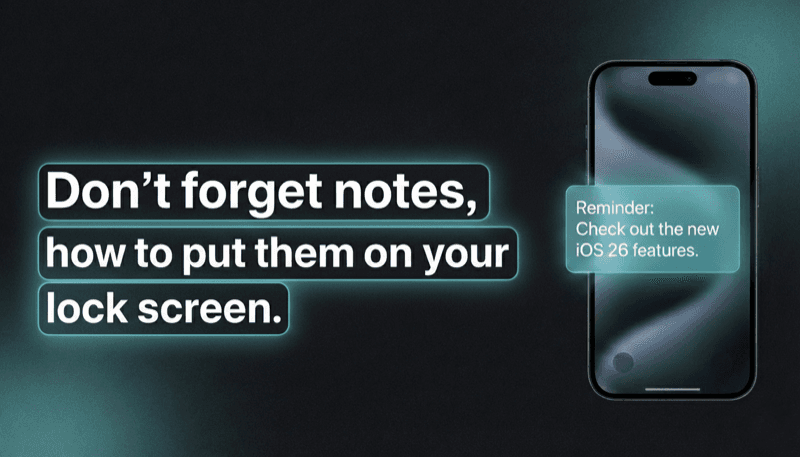
How to Show Reminders on iPhone Lock Screen (Without Notifications)
Want to see your tasks right on your lock screen? Learn how to display reminders on your iPhone lock screen without relying on notification banners.