
Written with Care
This article was written with input from ADHD community members. We understand that what works varies from person to person — this is one tool that many find helpful.
Why Traditional Reminders Don't Work for ADHD
People with ADHD often describe the frustration of setting a reminder, hearing it go off, dismissing it "just for a moment," and completely forgetting about it. This isn't a character flaw — it's how ADHD affects working memory.
Notification-based reminders rely on your ability to:
- Notice the notification
- Process what it means
- Choose to act on it NOW
- Remember it if you don't act immediately
For someone with ADHD, step 4 is where things break down. Once dismissed, the reminder effectively ceases to exist.
The Power of Visual Persistence
Visual reminders work differently. Instead of a one-time alert, they provide constant, passive exposure. Research shows that external visual cues are one of the most effective tools for ADHD management.
Think about it: sticky notes on a monitor work better than phone alarms for many people with ADHD. Why? Because they're always there. You can't dismiss them. Every time you look at your desk, you see them.
Your Lock Screen as a Visual Anchor
Your iPhone lock screen is the single most-viewed surface in your daily life. You see it up to 352 times per day. If your most important tasks and reminders are embedded in that surface, you're getting 352 visual cues per day — without any effort.
How NoteWall Helps
- •
Persistent visibility — reminders can't be dismissed or swiped away
- •
Zero memory required — you don't need to remember to check an app
- •
Reduced cognitive load — your tasks are always in front of you
- •
Simple interface — no complex setup or overwhelming features
- •
Satisfying completion — swipe to mark done, wallpaper updates instantly
Practical Tips for ADHD Users
Keep it short — 3-5 items maximum. Don't overwhelm yourself.
Use action words — "Call dentist" not "Dentist appointment thing"
Include time-sensitive items at the top
Use it alongside (not instead of) your calendar and other tools
Update it daily — take 30 seconds each morning to set your priorities
What Users Say
"I've tried every reminder app. NoteWall is the first one that actually works for my ADHD brain because I literally cannot avoid seeing my tasks." — App Store Review
"The game changer is that it's passive. I don't have to remember to check it. It's just... there." — Community Member
Keep Reading: If you found this helpful, check out these related guides:
Unlock Focus: Using Visual Reminders for ADHD with Your iPhone
Unlock Focus: The Best ADHD Productivity Apps for Your iPhone
Your 2026 iPhone Lock Screen: The Ultimate Weight Loss Coach You Didn't Know You Had
For a comprehensive overview, visit our Lock Screen Productivity Guide.
See if it works for you
NoteWall is free to try with a 3-day trial. No account needed.
Download NoteWall Free
Founder of NoteWall. Building tools that turn your lock screen into a productivity system. About →
You might also like
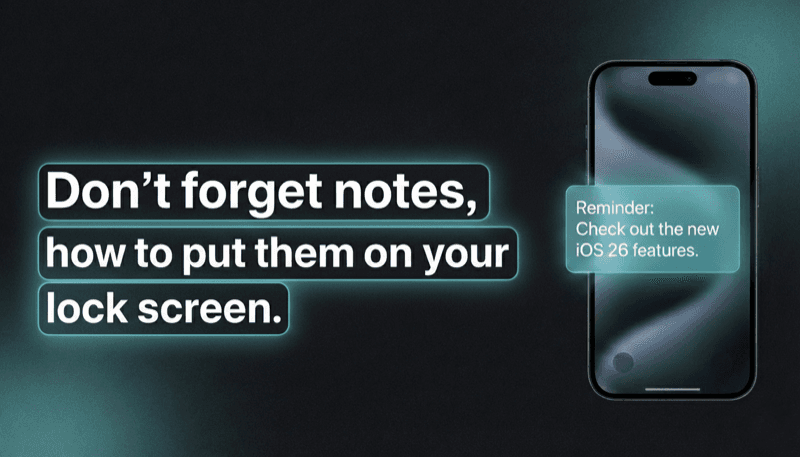
How to Show Reminders on iPhone Lock Screen (Without Notifications)
Want to see your tasks right on your lock screen? Learn how to display reminders on your iPhone lock screen without relying on notification banners.
Unlock Focus: Using Visual Reminders for ADHD with Your iPhone
Struggling with ADHD? Discover how visual reminders can transform your focus and productivity. Leverage your iPhone's lock screen with apps like NoteWall!

Gratitude Journal on iPhone Lock Screen: A One-Sentence Habit
A gratitude journal on your iPhone lock screen makes the habit small enough to actually keep. Here's how to set it up so it lasts past week three.