Quick Answer
Easily personalize your iPhone lock screen using built-in iOS features like widgets, custom fonts, and photo shuffle. For a more dynamic and functional approach, explore apps like NoteWall to display notes, goals, and reminders directly on your wallpaper.
Why Personalize Your iPhone Lock Screen?
Let's face it, we spend a LOT of time looking at our phones. Studies show the average person checks their phone up to 352 times a day! That's a lot of screen time, and a lot of potential for your lock screen to be more than just a pretty picture. A well-crafted, personalized lock screen iPhone experience can boost your productivity, improve your mood, and keep you focused on what matters most.
Instead of just seeing the time and date, imagine glancing at your phone and instantly being reminded of your goals, to-do list, or a positive affirmation. That's the power of a customized lock screen.
Built-in iOS Customization Options
Apple has made it easier than ever to tweak your lock screen directly within iOS. Here's how to get started with the built-in options:
Access the Customization Menu: Long-press on your lock screen to enter the customization mode.
Add Widgets: Tap 'Customize' then 'Add Widgets' to choose from a variety of widgets like weather, calendar events, battery life, and more. Arrange them to your liking.
Change the Clock Font and Color: Tap the clock to adjust its font, weight, and color to match your style.
Set a New Wallpaper: Choose from Apple's dynamic wallpapers, your own photos, or create a photo shuffle that changes throughout the day.
Create Multiple Lock Screens: You can create multiple lock screens and easily switch between them based on your mood or activity.
These built-in features provide a solid foundation for creating a functional and aesthetically pleasing lock screen. However, if you want to take it to the next level, you might need to explore third-party apps.
Unlocking Next-Level Personalization with Apps
While iOS offers decent customization, dedicated apps can provide even greater control and functionality. Many apps offer widgets that display more detailed information or allow for greater design flexibility. For example, some apps let you create custom widgets with your own text and images, while others offer advanced features like displaying countdown timers or system stats.
One powerful way to create a truly personalized lock screen iphone experience is by using apps that integrate with Apple Shortcuts. This allows you to automate tasks and display dynamic information on your lock screen wallpaper.
NoteWall: Your Personalized Lock Screen Companion
If you're looking for a way to display your notes, goals, and reminders directly on your lock screen, NoteWall is worth checking out. NoteWall uses Apple Shortcuts to seamlessly integrate your important information into a stylish wallpaper. This is a great way to keep your priorities top-of-mind throughout the day. Instead of simply seeing a pretty picture, you will see your daily goals. This visual reminder could significantly improve your daily output.
- •
Write daily affirmations and add them to your lock screen.
- •
Add your daily schedule to your lock screen, so you never miss another appointment.
- •
Create daily habits and track your progress.
Unlike static widgets that can feel cluttered, NoteWall integrates seamlessly with your wallpaper, creating a clean and unobtrusive way to stay organized. It's perfect for anyone who wants a personalized lock screen iphone that is both functional and visually appealing.
Tips for Creating the Perfect Personalized Lock Screen
- •
Keep it Clean: Avoid cluttering your lock screen with too many widgets or distractions. Simplicity is key for easy readability.
- •
Choose a Calming Wallpaper: Select a wallpaper that is visually appealing but not distracting. A calming image can help reduce stress and improve focus.
- •
Prioritize Information: Decide what information is most important to you and prioritize it accordingly. Place your most important widgets or notes in a prominent location.
- •
Experiment and Iterate: Don't be afraid to experiment with different widgets, wallpapers, and layouts until you find a combination that works best for you. Your needs will likely change over time, so be prepared to adjust your lock screen as needed.
Keep Reading: If you found this helpful, check out these related guides:
Unlock Productivity: How to Put Notes on Your iPhone Lock Screen
Unlock Productivity: Your Ultimate Daily Reminder System for iPhone
Unlock Your Potential: Memory Strategies for ADHD in 2026
For a comprehensive overview, visit our Lock Screen Productivity Guide.
Transform Your iPhone's Lock Screen Today!
Ready to take control of your digital space? Download NoteWall and start creating a lock screen that works for you! See your notes, goals, and reminders every time you reach for your phone.
Download NoteWall Free
Karol Billik
Founder of NoteWall. Building tools that turn your lock screen into a productivity system.
You might also like
Unlock Productivity: How to Put Notes on Your iPhone Lock Screen
Want to see your notes, reminders, and goals every time you glance at your iPhone? Learn how to put notes on your iPhone lock screen for maximum productivity!
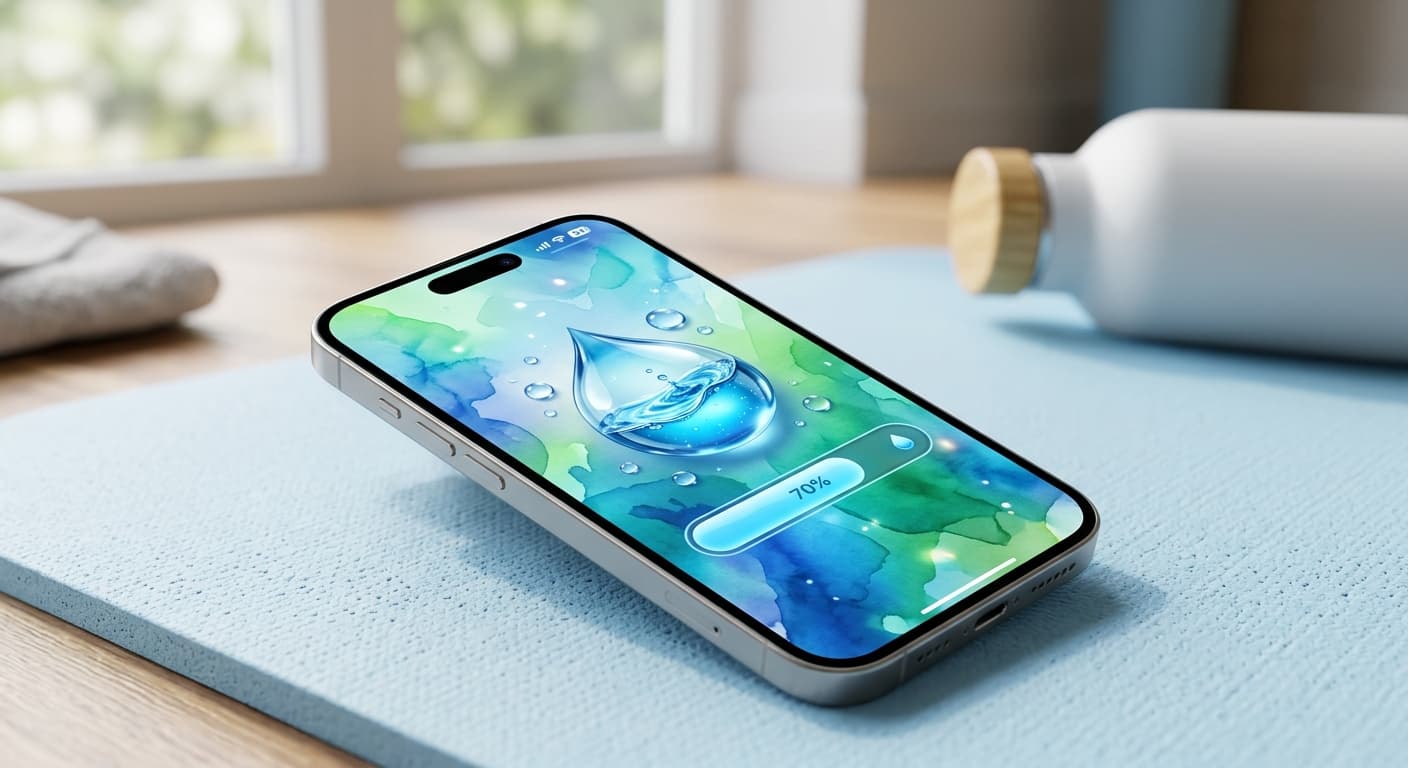
Unlock Personalized Hydration: Your 2026 iPhone Lock Screen as a Smart Water Reminder Hub
Master intelligent hydration in 2026. Use your iPhone Lock Screen, Apple Health, Shortcuts, and top apps for personalized water reminders and seamless tracking.
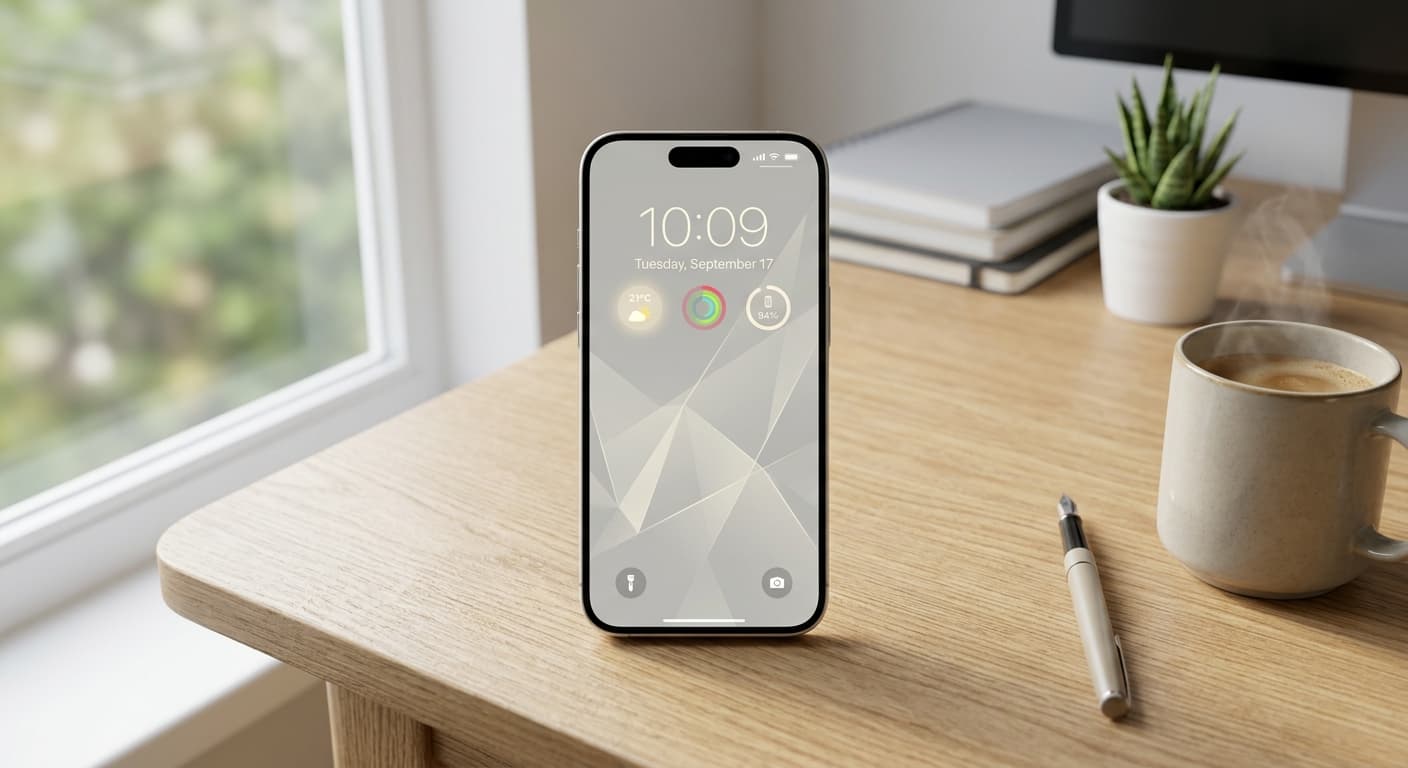
Unlock Focus: Master Your Minimalist iPhone Lock Screen with iOS 19/20
Transform your iPhone lock screen into a minimalist powerhouse with iOS 19/20. Boost focus, reduce distractions, and enhance digital well-being in 2026.