Quick Answer
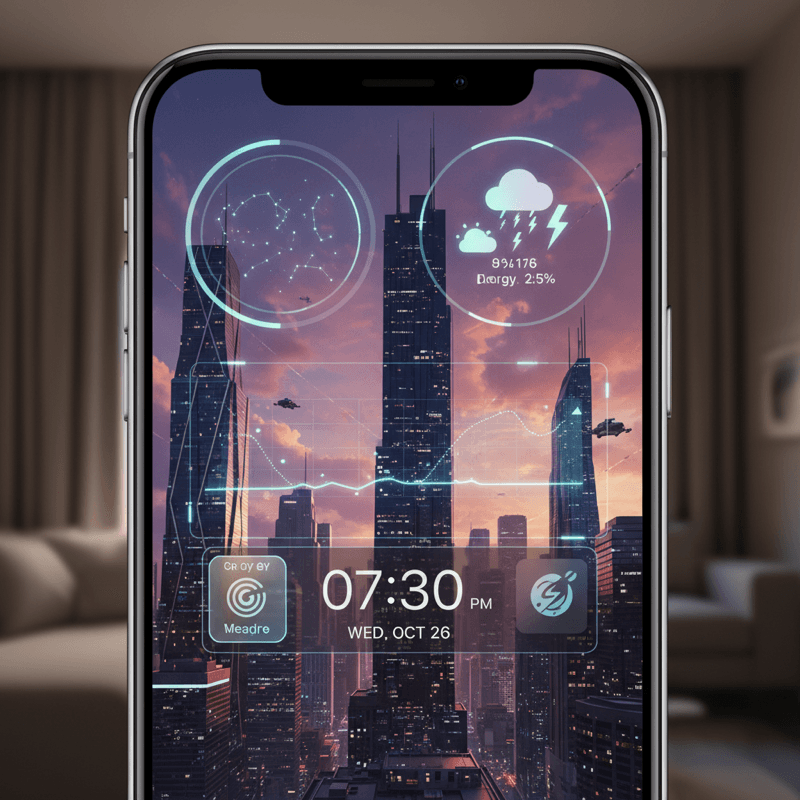
Bored with your basic iPhone lock screen? This guide dives deep into advanced customization options, including third-party apps, productivity hacks, and security tips. Get ready to transform your iPhone in 2026!
Introduction: The Evolving Landscape of iPhone Lock Screen Customization in 2026
Remember when sliding to unlock was the height of iPhone lock screen innovation? Thankfully, those days are long gone. In 2026, iPhone lock screen customization has exploded! We’re talking dynamic widgets, personalized notifications, and even AR integration. But with so many options, where do you even begin? This blog post is your ultimate guide to future-proofing your iPhone. Let's explore some iPhone lock screen customization tips.
Mastering Native iOS Customization Features
Before diving into third-party apps, let’s maximize the features already built into iOS (version 20, perhaps?). Apple has significantly enhanced lock screen settings, offering a surprising degree of control. Don't underestimate the power of native options! You can now create multiple lock screen setups linked to specific Focus modes. Imagine a work lock screen with your calendar and to-do list, and a personal one with photos and music controls. The possibilities are endless!
Take advantage of advanced notification management. Prioritize important notifications, group less critical ones, and customize alert styles to minimize distractions.
Unlocking Advanced Customization with Third-Party Apps
Ready to take your lock screen to the next level? Third-party apps unlock a world of possibilities. But be warned: not all apps are created equal. Security and privacy are paramount. That's where NoteWall truly shines. NoteWall empowers you to create personalized lock screen notes and reminders seamlessly integrated with Shortcuts, ensuring your information is always visible and readily accessible. It’s customization power without compromising your data. Download NoteWall today! Want more iPhone lock screen customization tips? Keep reading!
Percentage of Gen Z users who actively customize their iPhone lock screens.
Design Trends: Achieving the Aesthetic Lock Screen of Your Dreams
Lock screen aesthetics are all about bold colors, minimalist typography, and dynamic imagery. Think vibrant gradients, abstract shapes, and subtle animations. Incorporating personal photos is still popular, but consider using creative filters and overlays to give them a modern twist. Remember: cohesion is key. Choose a color palette and stick to it across your wallpaper, widgets, and notification styles.
Choose a dominant color palette.
Select complementary fonts for your widgets and clock.
Find high-quality wallpapers that align with your aesthetic.
Arrange widgets in a visually appealing layout.
Regularly update your lock screen to keep it fresh.
Beyond Aesthetics: Optimizing Your Lock Screen for Productivity and Utility
A great lock screen is more than just pretty; it should be functional. NoteWall truly shines here. With NoteWall, create shortcuts to launch your favorite apps, access frequently used settings, and even control your smart home devices—all directly from your lock screen. Imagine tapping a widget to turn on your lights, start your music, or send a quick message. It's all possible with NoteWall! Plus, you can easily add things like your to-do list. These iPhone lock screen customization tips can seriously boost your daily productivity.
Keep Reading: If you found this helpful, check out these related guides:
Future-Proof Your Memory: Unlocking Hyper-Personalized Lock Screen Reminders with iOS 2026 & AI
Unlock Your Focus: Future-Proofing Memory for ADHD in 2026
Lock Screen To-Do Lists in 2026: Unlock Peak Productivity (Without Unlocking Your Phone!)
For a comprehensive overview, visit our Lock Screen Productivity Guide.
Ready to Supercharge Your Lock Screen?
Download NoteWall and unlock the full potential of your iPhone lock screen. It's the ultimate customization tool!
Download NoteWallFuture-Proofing Your Lock Screen: Customization Strategies for the Years to Come
The future of lock screen customization is bright. Expect to see even greater integration with AR/VR technologies, AI-powered personalization, and interactive elements. To stay ahead of the curve, develop a flexible customization strategy that can adapt to new iOS updates and third-party apps. Embrace experimentation and don't be afraid to try new things. The best lock screen is the one that evolves with you.
Lock Screen Security and Privacy: Protecting Your Data
While customization is fun, security should never be an afterthought. Review your iPhone's security settings regularly, especially Face ID and passcode options. Be mindful of the permissions you grant to third-party apps and always prioritize your privacy. And don't forget to check your privacy settings to ensure your lock screen notifications aren't displaying sensitive information. With the increasing sophistication of lock screen customization, this point cannot be stressed enough!
Troubleshooting Common Lock Screen Customization Issues
Having trouble with your widgets? Notifications not working correctly? App compatibility issues? Don't panic! Most lock screen problems can be easily resolved. Start by checking your iOS settings and app permissions. If that doesn't work, try restarting your iPhone or reinstalling the affected app. If all else fails, consult Apple's support documentation at https://apple.co/48y4yan for further assistance.
Conclusion: Unleash the Full Potential of Your iPhone Lock Screen
The iPhone lock screen is no longer just a gateway to your device; it's a canvas for self-expression, a tool for productivity, and a window into your digital world. By mastering native iOS features, exploring third-party apps like NoteWall, and staying informed about the latest design trends, you can unlock the full potential of your lock screen and future-proof your iPhone for years to come. Now go forth and create a lock screen that's uniquely you!
Share your awesome lock screen creations with us on social media! Tag us at @NoteWallApp and let us see your style!

Karol Billik
Founder of NoteWall. Building tools that turn your lock screen into a productivity system.
You might also like
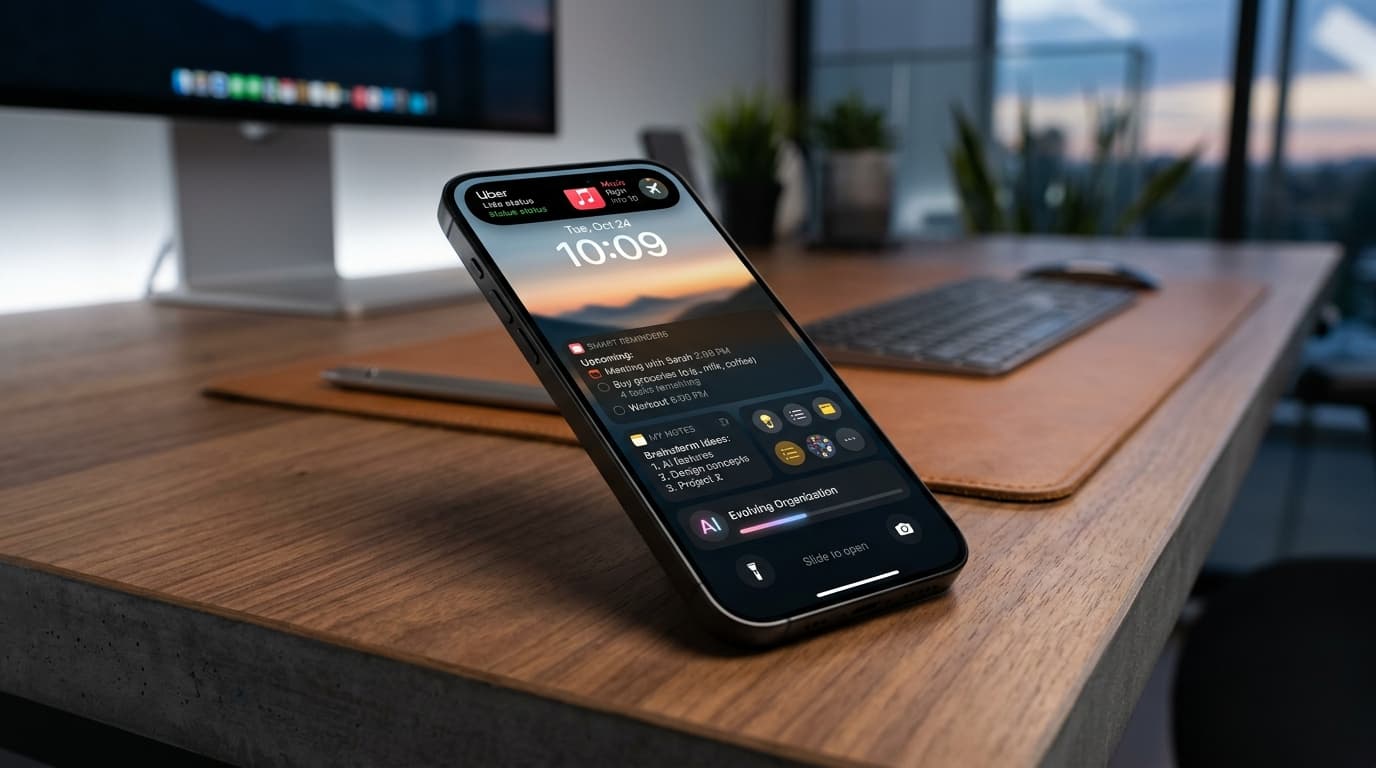
Future-Proof Your Memory: Unlocking Hyper-Personalized Lock Screen Reminders with iOS 2026 & AI
Master your memory in 2026 with cutting-edge iPhone lock screen reminders. Leverage iOS 2026 features, AI, and NoteWall for ultimate productivity.
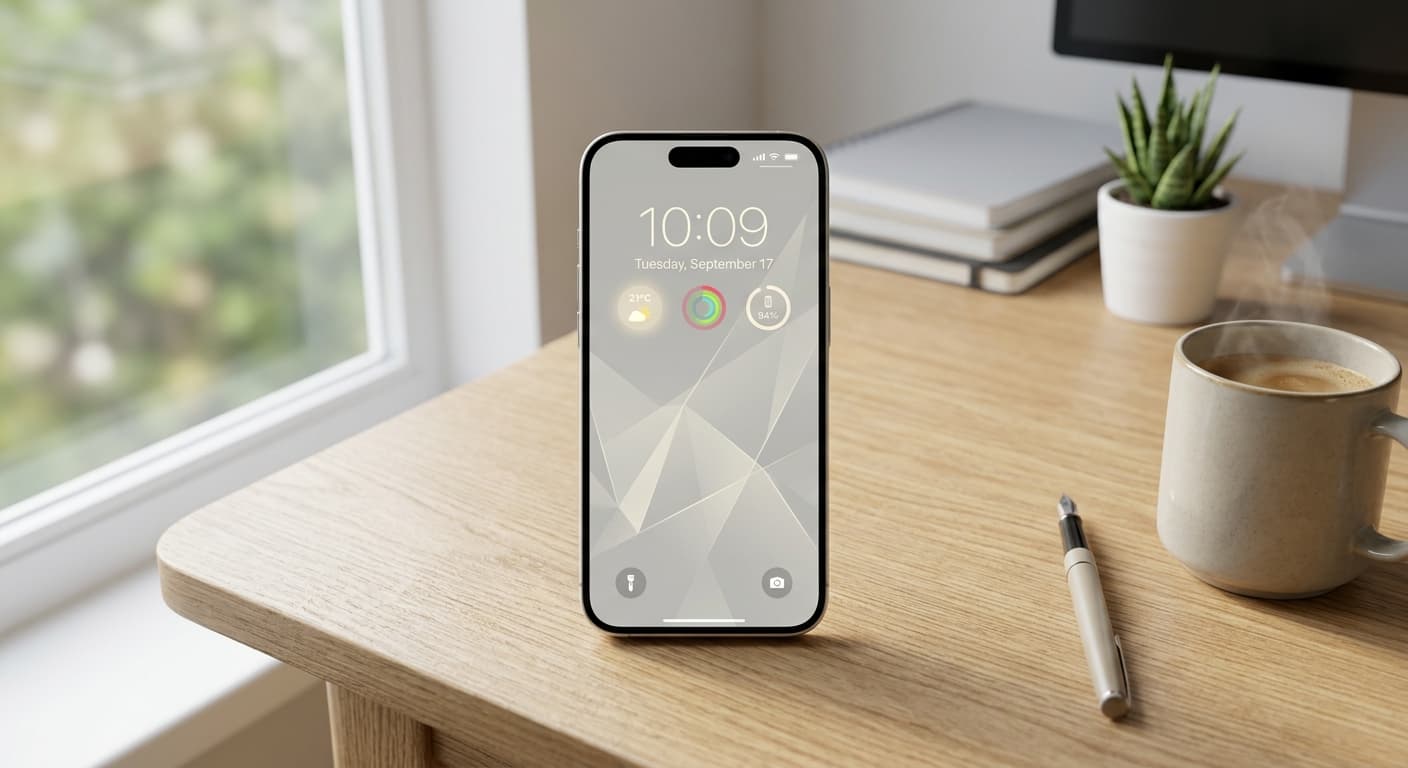
Unlock Focus: Master Your Minimalist iPhone Lock Screen with iOS 19/20
Transform your iPhone lock screen into a minimalist powerhouse with iOS 19/20. Boost focus, reduce distractions, and enhance digital well-being in 2026.
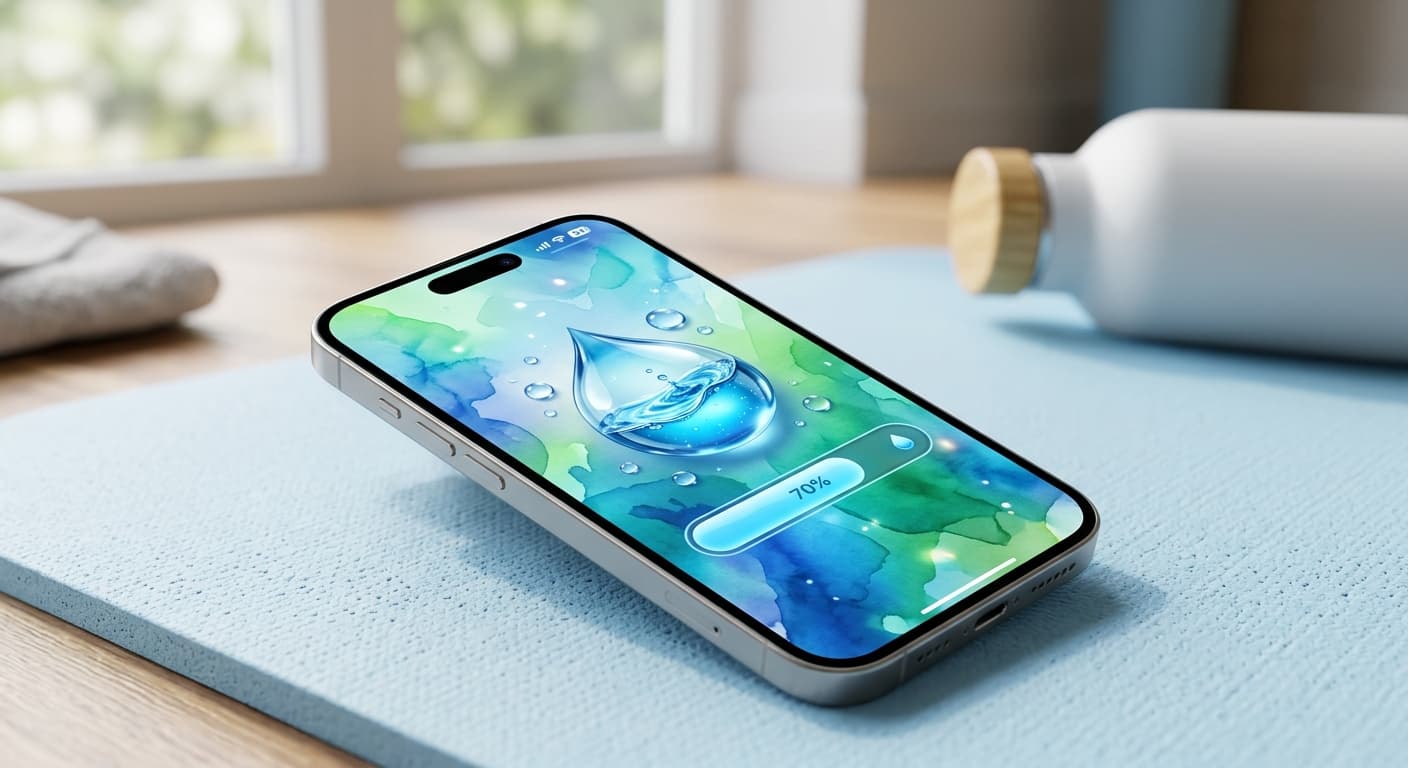
Unlock Personalized Hydration: Your 2026 iPhone Lock Screen as a Smart Water Reminder Hub
Master intelligent hydration in 2026. Use your iPhone Lock Screen, Apple Health, Shortcuts, and top apps for personalized water reminders and seamless tracking.