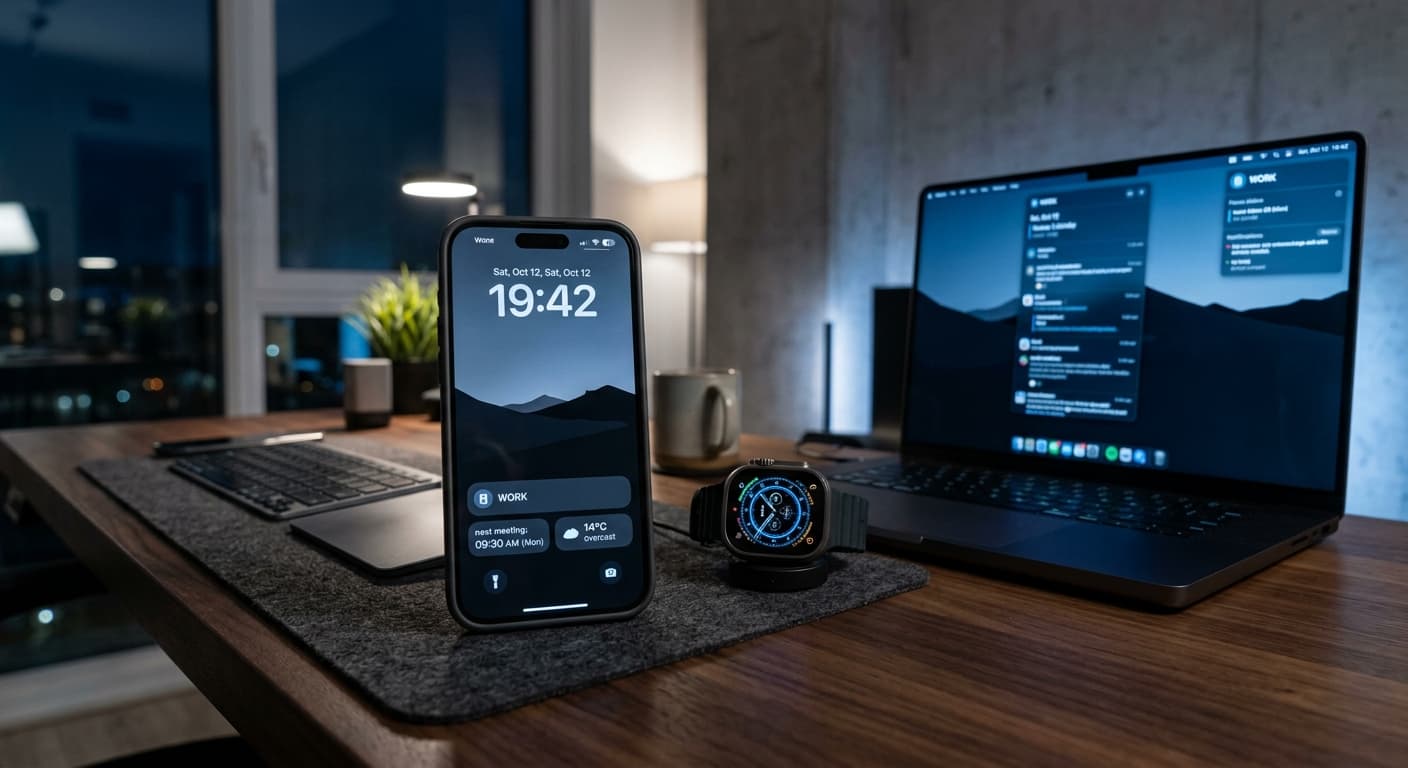
Quick Answer
In 2026, iPhone Focus Modes are far more than just Do Not Disturb. They're intelligent, AI-enhanced ecosystems for ultimate productivity. Mastering advanced automation with Siri Shortcuts, leveraging cross-device synchronization, and customizing dynamic Lock Screens (perhaps with an app like NoteWall for context-specific notes) transforms your iPhone into a personalized, distraction-proof powerhouse, enabling deep work and mindful living.
Introduction: The 2026 Challenge of Digital Overload & The Promise of Focus Modes
It’s 2026, and the digital world is noisier than ever. Our devices, designed to connect and empower, often overwhelm us with constant pings, notifications, and endless information streams. This relentless assault on our attention span isn't just annoying – it's a genuine threat to our productivity, creativity, and overall well-being. According to Asurion research, the average person picks up their phone an astounding 352 times a day. Imagine reclaiming even a fraction of that lost focus!
The average person picks up their smartphone 352 times a day, highlighting the constant battle against digital distraction.
Enter iPhone Focus Modes. What started as an evolution of 'Do Not Disturb' has, by iOS 20, blossomed into an AI-enhanced, ecosystem-integrated suite of tools capable of sculpting your digital environment precisely to your needs. This isn't about simply silencing notifications; it's about crafting an immersive, distraction-free zone for every aspect of your life. This guide dives deep into advanced, AI-enhanced, and ecosystem-integrated iPhone Focus Mode productivity hacks for unparalleled efficiency and mindful living.
Focus Modes in 2026: A Quick Evolution & Advanced Overview
At its core, Focus Modes empowers you to control who can contact you and which apps can notify you, based on what you’re doing. But in 2026, it's so much more. With advancements in iOS 20, Focus Modes now offer hyper-specific personalization capabilities: tailored Lock Screens, dynamic Home Screens, granular app allowances, and intelligent automation triggers. We're far beyond simple silence; we're talking about tailored digital environments that intuitively adapt to your workflow, mood, and schedule.
The Pillars of Productivity: Crafting Hyper-Specific Focus Modes
To truly unlock your iPhone's potential, you need to think beyond the default modes. Create custom Focus Modes for distinct activities:
Before you begin, consider every scenario where you need to minimize distractions. Think about the apps, people, and information that are essential for each specific context.
Next-Level Hacks: AI, Automation, and Ecosystem Integration for Focus Mastery
This is where 2026's tech truly shines. Go beyond basic settings to create a seamless, intelligently responsive environment.
Leverage your iPhone's on-device intelligence. iOS 2026 can automatically switch Focus Modes based on your location (e.g., 'Work Focus' when you arrive at the office), calendar events (e.g., 'Meeting Focus' 5 minutes before a scheduled call), detected activity (e.g., 'Driving Focus'), or even biometric cues. This predictive activation makes your digital life effortlessly responsive. These iphone focus mode productivity hacks are a game-changer.
This is the backbone of advanced Focus control. Build complex multi-step workflows tied directly to Focus Mode activation. Imagine: activating 'Work Focus' automatically turns on your VPN, opens your essential project management apps, changes your Apple Watch face to a minimalist work-specific layout, and sends an 'In Focus Mode' status message to your team on Slack. The possibilities are endless. Master this with our guide: Unlocking Peak Efficiency: Master iPhone Shortcuts Automation in 2026.
Your Focus Modes aren't just for your iPhone. Master synchronization across your entire Apple ecosystem: iPhone, iPad, Mac, Apple Watch, and even Apple Vision Pro. When you enter 'Deep Work' on your iPhone, your Mac automatically silences notifications, your iPad sets a specific desktop, and your Vision Pro provides a clean, focused virtual workspace. This unified approach ensures a truly distraction-free experience.
Each Focus Mode can now have a unique Lock Screen. Customize specific widgets, wallpapers, and layouts. For 'Learning Mode,' have a dictionary widget and a study timer visible. For 'Creative Flow,' perhaps a mood board or inspirational quote. This is also where an app like NoteWall truly shines. Use it to display context-relevant notes, reminders, or goals directly on your Lock Screen, specific to the active Focus. Imagine your 'Grocery Run' Focus showing your shopping list via NoteWall without even unlocking your phone. Dive deeper into customization here: Future-Proof Your iPhone: Lock Screen Customization Secrets for 2026.
Even in the strictest Focus, critical communications must get through. Configure 'Emergency Bypass' for specific contacts so their calls or messages will always break through the silence. Go a step further: create a 'Family Emergency' Focus that automatically activates during off-hours, only allowing calls from designated contacts to ring through, giving you peace of mind during deep work or rest.
Beyond simply blocking apps, iOS 2026 allows for more granular control. You can filter specific websites or even sub-domains within Safari or other compatible browsers. This means during 'Deep Work' you can allow access to your company's knowledge base, but block its newsfeed, ensuring maximum focus without cutting off necessary resources. These iphone focus mode productivity hacks empower ultimate control.
Your environment plays a huge role in focus. Automate your smart home devices to complement your Focus Modes. 'Reading Focus' could automatically dim your smart lights, adjust the thermostat to a cozy temperature, and play ambient sounds through your HomePods. 'Workout Focus' might automatically turn on your smart display with your routine and blast your motivational playlist.
Beyond Focus Modes: Complementary iOS 2026 Features for Productivity
Focus Modes work best when integrated with other powerful iOS 2026 features. Think about how enhanced App Library organization, advanced privacy controls, and sophisticated widget capabilities can further refine your tailored digital environments. As AR/VR tools like Apple Vision Pro become more integrated, expect even more specialized work and focus environments, allowing you to project notes and tasks directly into your line of sight during a 'Spatial Computing Focus'.
Troubleshooting & Optimizing Your Focus Workflow
Getting Focus Modes perfect takes iteration. If a Focus isn't working, analyze what's breaking it. Is a critical app blocked? Are you missing important calls? Don't be afraid to adjust. Start strict, then gradually ease permissions if needed. The goal is balance: maximum focus with enough flexibility for life’s unavoidable interruptions. Regularly review your Focus settings and refine them as your needs evolve. This continuous personalization is key to sustained productivity.
Conclusion: Transform Your iPhone into a 2026 Productivity Powerhouse
In 2026, your iPhone is more than just a communication device; it's a powerful personal assistant, a creative studio, and a gateway to profound focus—if you set it up correctly. By strategically deploying advanced, AI-enhanced, and ecosystem-integrated Focus Modes, you reclaim your attention, elevate your digital well-being, and unlock unprecedented levels of productivity. These advanced iphone focus mode productivity hacks aren't just for power users anymore; they're essential for anyone navigating the complexities of modern digital life.
Ready to take control? Start implementing these strategies today and transform your iPhone into the ultimate productivity powerhouse. For more deep dives into iOS automation and productivity, explore our Ultimate Guide to iOS Tips & Automation.
Boost Your Focus with NoteWall!
Never miss a beat, even in Deep Work. NoteWall helps you put crucial notes and reminders directly on your Lock Screen, perfectly integrating with your custom Focus Modes for instant, distraction-free access.
Download NoteWall
Karol Billik
Founder of NoteWall. Building tools that turn your lock screen into a productivity system.
You might also like
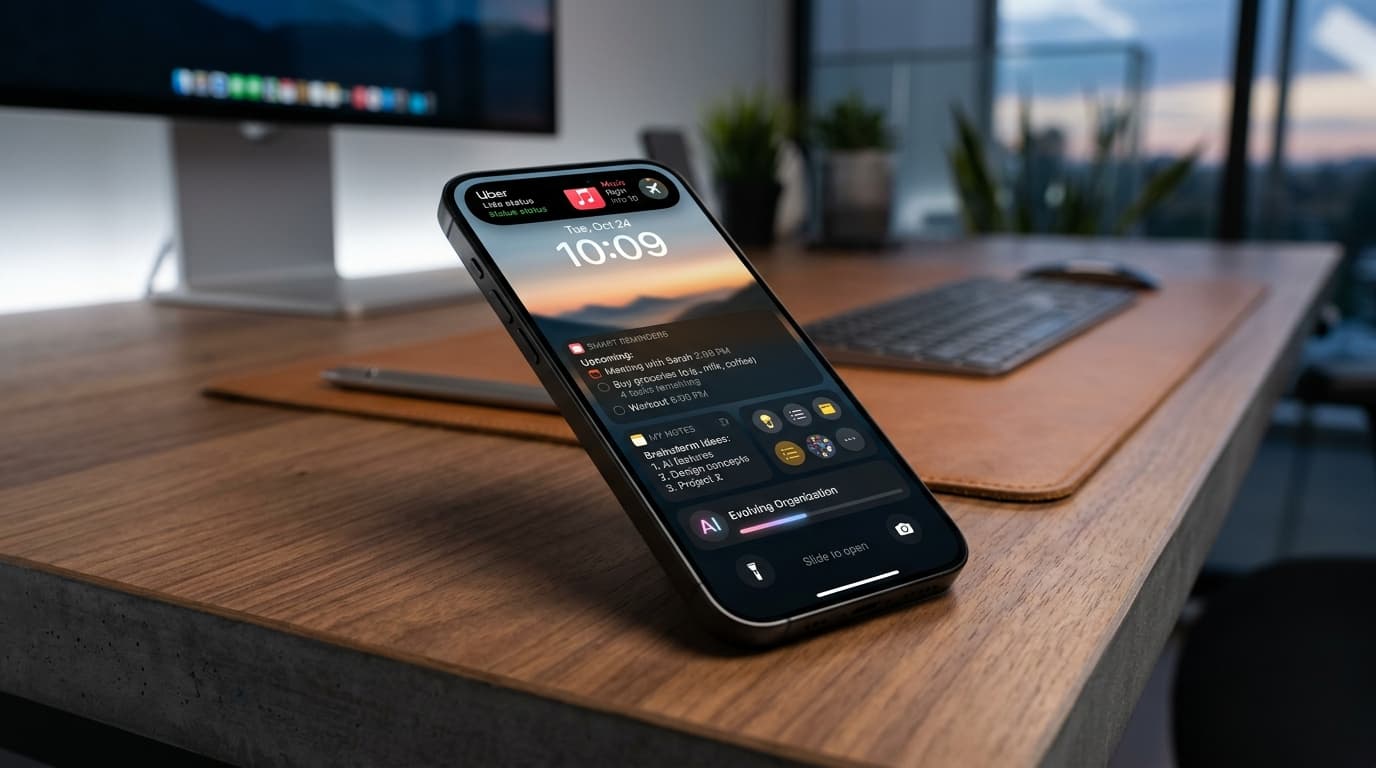
Future-Proof Your Memory: Unlocking Hyper-Personalized Lock Screen Reminders with iOS 2026 & AI
Master your memory in 2026 with cutting-edge iPhone lock screen reminders. Leverage iOS 2026 features, AI, and NoteWall for ultimate productivity.
Unlock Productivity: The Best Lock Screen Apps for iPhone
Transform your iPhone's lock screen into a productivity powerhouse! Discover the best lock screen apps to boost focus and achieve your goals. Get more done!
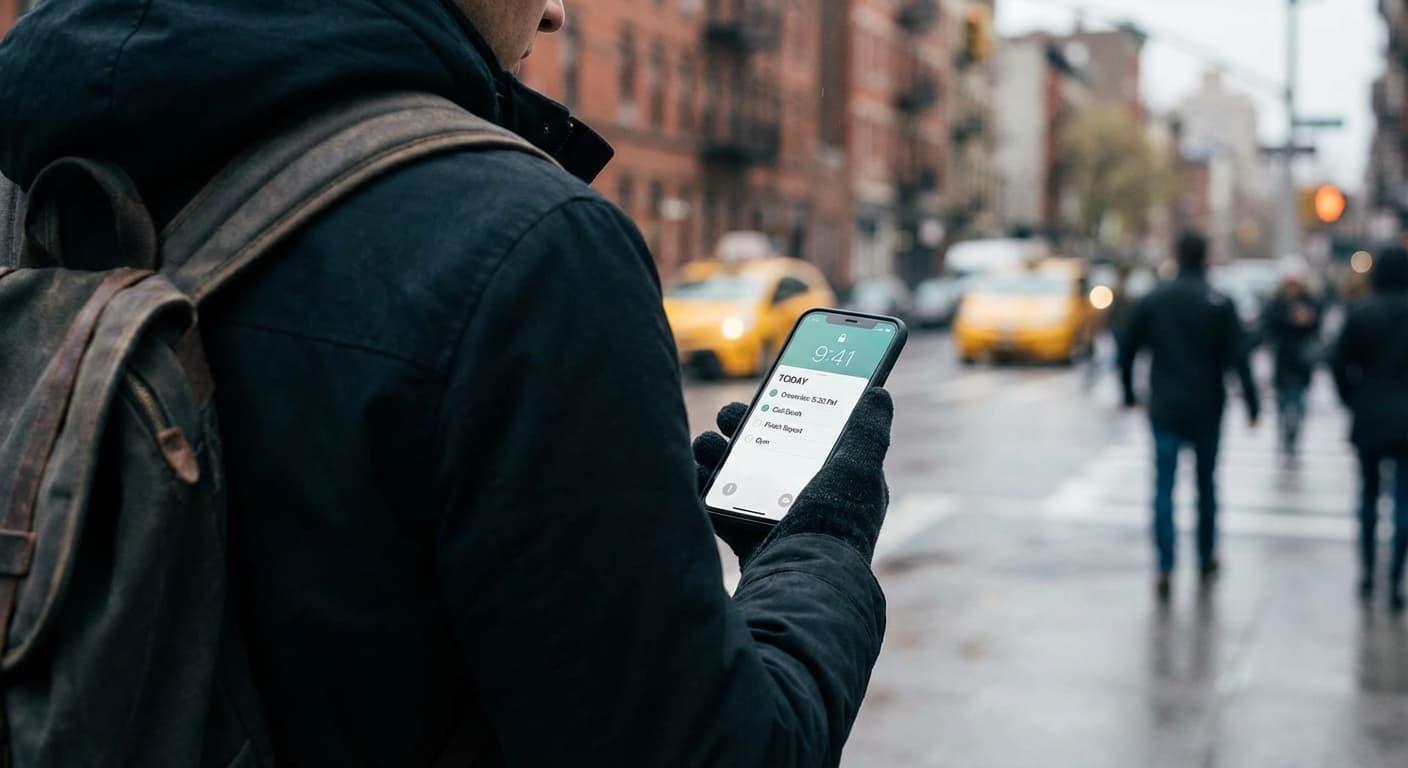
Lock Screen To-Do Lists in 2026: Unlock Peak Productivity (Without Unlocking Your Phone!)
Master mobile task management with lock screen to-do lists! Get instant access to your tasks on iOS & (coming soon!) Android. Boost productivity in 2026!