Quick Answer
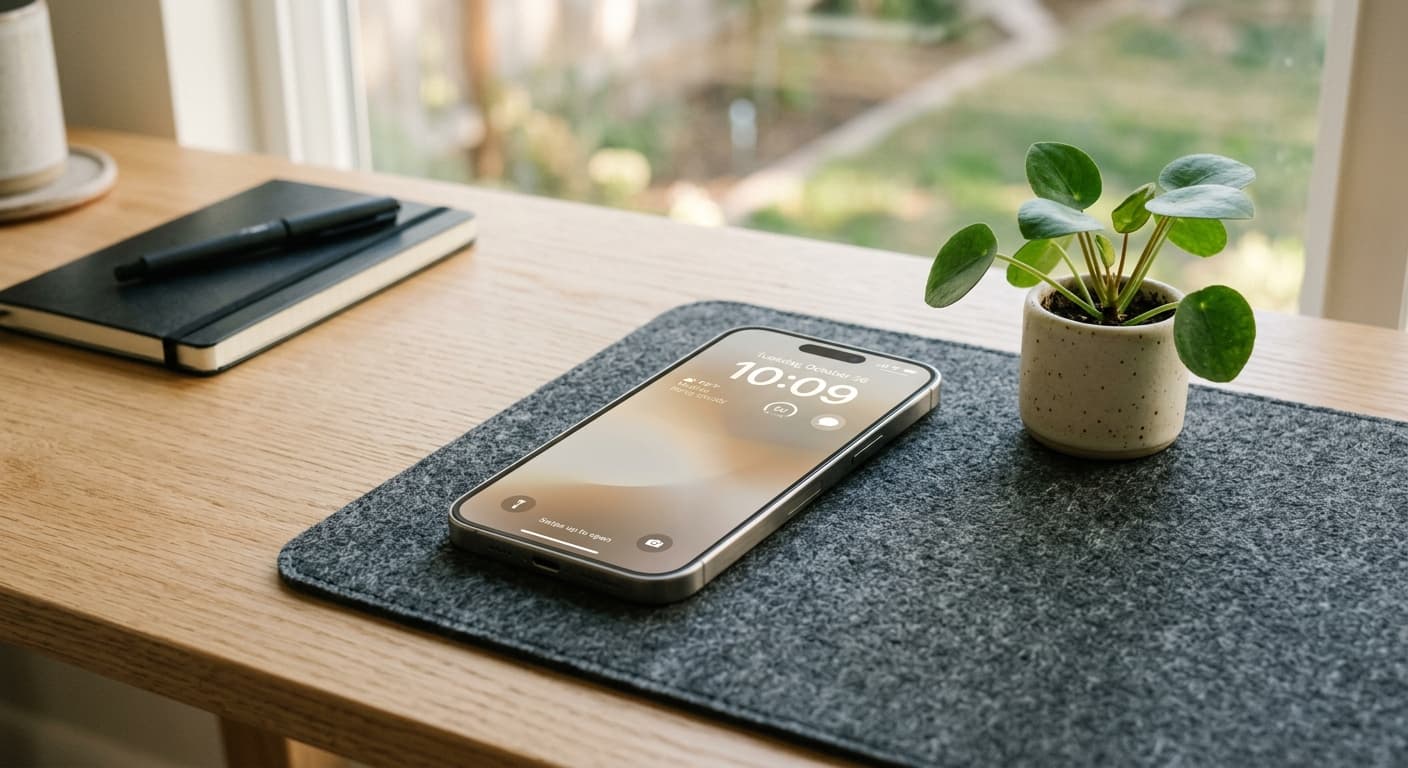
Digital minimalism for your iPhone in 2026 means intentionally reconfiguring your device's settings, apps, and habits to maximize focus, reduce distractions, and reclaim mental clarity. This involves mastering notifications, simplifying your home screen, auditing apps, customizing Focus Modes, and leveraging advanced iOS features like Shortcuts for purposeful technology use.
Introduction: The 2026 Digital Deluge & The Urgent Call for iPhone Minimalism
It’s 2026, and the digital world is louder than ever. AI assistants whisper suggestions, social feeds pulse with hyper-personalized content, and connectivity is not just always-on, but always-in-your-face. Your iPhone, a marvel of modern engineering, can feel less like a tool and more like a demanding master, constantly vying for your attention. This constant digital deluge leaves many of us feeling overwhelmed, drained, and perpetually distracted.
Enter digital minimalism: a philosophy that's gaining critical traction as we navigate this new era. Applied to your iPhone, it’s about consciously and strategically configuring your device to serve your goals, not derail them. It’s about being intentional with your technology, transforming your iPhone from a source of endless distraction into a powerful catalyst for focus, productivity, and peace. You choose: tool or master.
Why Digital Minimalism Matters More Than Ever in 2026
The stakes are higher now. The hyper-connected landscape of 2026, augmented by AI, amplifies every notification and every scroll. This constant mental overhead contributes to anxiety, FOMO, and profound cognitive fatigue. We’re losing the capacity for deep work, sacrificing sustained focus for fleeting digital stimulation. Reclaiming your personal agency in this environment isn't just a trend; it's a necessity for mental well-being and peak performance.
According to Asurion research, the average person picks up their phone 352 times a day. Imagine the cumulative distraction!
Phase 1: Deconstructing Your iPhone's Default Traps
Your iPhone's default settings are often designed for engagement, not intentionality. Bright red notification badges, incessant pings, and endless content feeds are all engineered to pull you in. Start by identifying your personal 'hotspots' – those apps or features that consistently grab your attention. Is it social media? News apps? Email? Awareness is the first step to liberation.
Phase 2: Core Strategies for a Minimalist iPhone (System-Level Control)
Mastering Notifications: From Chaos to Calculated Connection
Your notification center is a battleground. Win it back. Embrace critical-only notifications by leveraging advanced iOS filtering to allow only urgent alerts from essential contacts or apps. Batch non-urgent alerts by scheduling summaries, allowing you to check them on your terms. Differentiate visual banners from silent deliveries, and utilize 'Summary' features for less critical apps. Your iPhone should notify you when you need it, not the other way around.
The Home Screen Zen: A Sanctuary, Not a Billboard
Transform your home screen into a calm, focused space. Implement the 'One Page' Rule: keep only your most essential apps on a single home screen. Relegate the rest to the App Library, your hidden organization powerhouse. Use intelligent widgets sparingly for information at a glance (weather, calendar, quick notes) – not for endless scrolling. Consider a minimalist icon philosophy: grayscale apps, hidden folders, or only truly essential icons visible. For critical, glanceable reminders or notes you need without unlocking your device, remember that iOS Shortcuts can help surface vital info directly on your lock screen, reducing app-diving.
For ultimate lock screen control and quick info access, explore apps like NoteWall (https://apple.co/48y4yan). It uses iOS Shortcuts to put notes and reminders right on your lock screen, helping you stay focused without opening a distracting app.
App Audit & Declutter: Only What Truly Serves You
The Digital Closet Clean-out: Go through every app. Ask: 'Does this genuinely serve me, or is it a time-sink?' Delete, Offload (if rarely used but needed), or Hide.
Replace Time-Sink Apps: Look for minimalist alternatives or consider using web versions of distracting apps through Safari (which you can add to your home screen).
Categorization & Folder Strategies: Group remaining apps logically. Use folders for secondary apps, keeping primary tools easily accessible.
Mastering Focus Modes (2026 Edition): Your Personalized Concentration Zones
Focus Modes are your secret weapon. Go beyond 'Work' and 'Personal'; create granular modes like 'Deep Work,' 'Family Time,' or 'Mindful Moment.' Automate Focus Modes based on location, time, or app triggers. Set custom home screens and app visibility for each mode, ensuring only relevant tools appear. Leverage cross-device syncing to maintain your concentration across all your Apple devices. Unlock Peak 2026 Productivity: The Ultimate iPhone Focus Mode Hacks Guide for deeper insights.
Phase 3: Advanced Techniques for a Truly Intentional iPhone in 2026
Leveraging iOS Shortcuts & Automation for Minimalist Workflows
Shortcuts transform your iPhone into a highly personalized tool. Create shortcuts to combine tasks, filter content, or activate specific settings with a tap. Automate 'Digital Detox' periods, disabling social media after a certain time. Use smart AI assistant prompts to summarize information you need instead of deep-diving into distracting apps. This is the essence of advanced digital minimalism iPhone tips for efficiency. Dive deeper with Unlocking Peak Efficiency: Master iPhone Shortcuts Automation in 2026.
Intentional Content Consumption: Beyond the Endless Scroll
Don't let algorithms control your input. Use Safari's Reader Mode to strip away distractions on articles. Curate your news feeds, choosing quality over quantity. Schedule dedicated, limited times for social media engagement instead of reflexive opening.
Privacy as a Minimalist Tool: Reducing Data Noise
Think of privacy settings as another layer of minimalism. Audit app permissions to reduce unnecessary background activity and notifications. Limit tracking and location services, not just for security, but to reduce the 'digital footprint' and associated alerts. Less data being collected means less noise being generated back at you.
Beyond the Visual: Sound & Haptics Minimalism
Even sounds can be overwhelming. Audit your system sounds and haptic feedback, silencing or reducing unnecessary alerts. Use custom, subtle tones only for truly critical notifications. Sometimes, silence is the most potent form of digital detox.
Maintaining Your Digital Sanctuary: Habits & Routines for the Long Haul
Digital minimalism isn't a one-time setup; it's an ongoing practice. Schedule regular app audits – a monthly or quarterly 'digital declutter' to keep your device lean. Block out intentional 'Offline Blocks' in your calendar. Practice mindful check-ins: before you pick up your phone, ask 'Why?'. Finally, measure success not just by screen time, but by tangible improvements in your focus, well-being, and productivity gains. These digital minimalism iPhone tips create lasting change.
Conclusion: Reclaiming Your Time, Attention, and Peace of Mind in 2026
In a world designed to constantly pull your attention, choosing iPhone digital minimalism is a powerful act of defiance. It’s about leveraging the incredible power of your device on your terms, turning it into a servant of your goals rather than a master of your time. Start your journey today, and reclaim the focus, calm, and intentionality you deserve in 2026. Explore more iPhone productivity strategies at NoteWall's Lock Screen Productivity Hub.
Ready to Reclaim Your Focus?
Transform your iPhone lock screen into a distraction-free hub of essential information. Get critical notes and reminders at a glance, without unlocking your phone and getting sucked into app notifications.
Download NoteWall
Karol Billik
Founder of NoteWall. Building tools that turn your lock screen into a productivity system.
You might also like
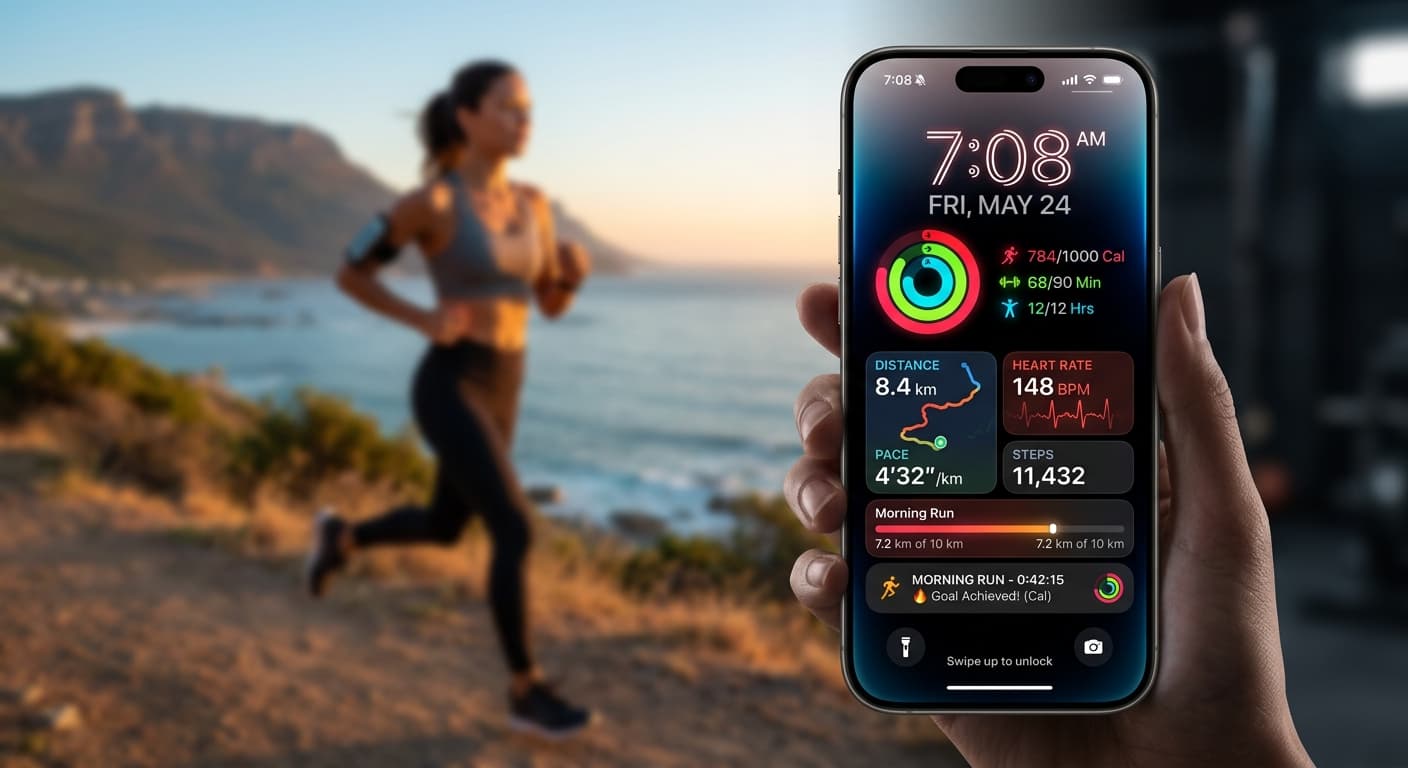
Your 2026 iPhone Lock Screen: The Ultimate Weight Loss Coach You Didn't Know You Had
Transform your iPhone lock screen into a dynamic, AI-powered weight loss motivator in 2026. Leverage iOS 19/20 features, widgets, and NoteWall for real-time progress & inspiration.
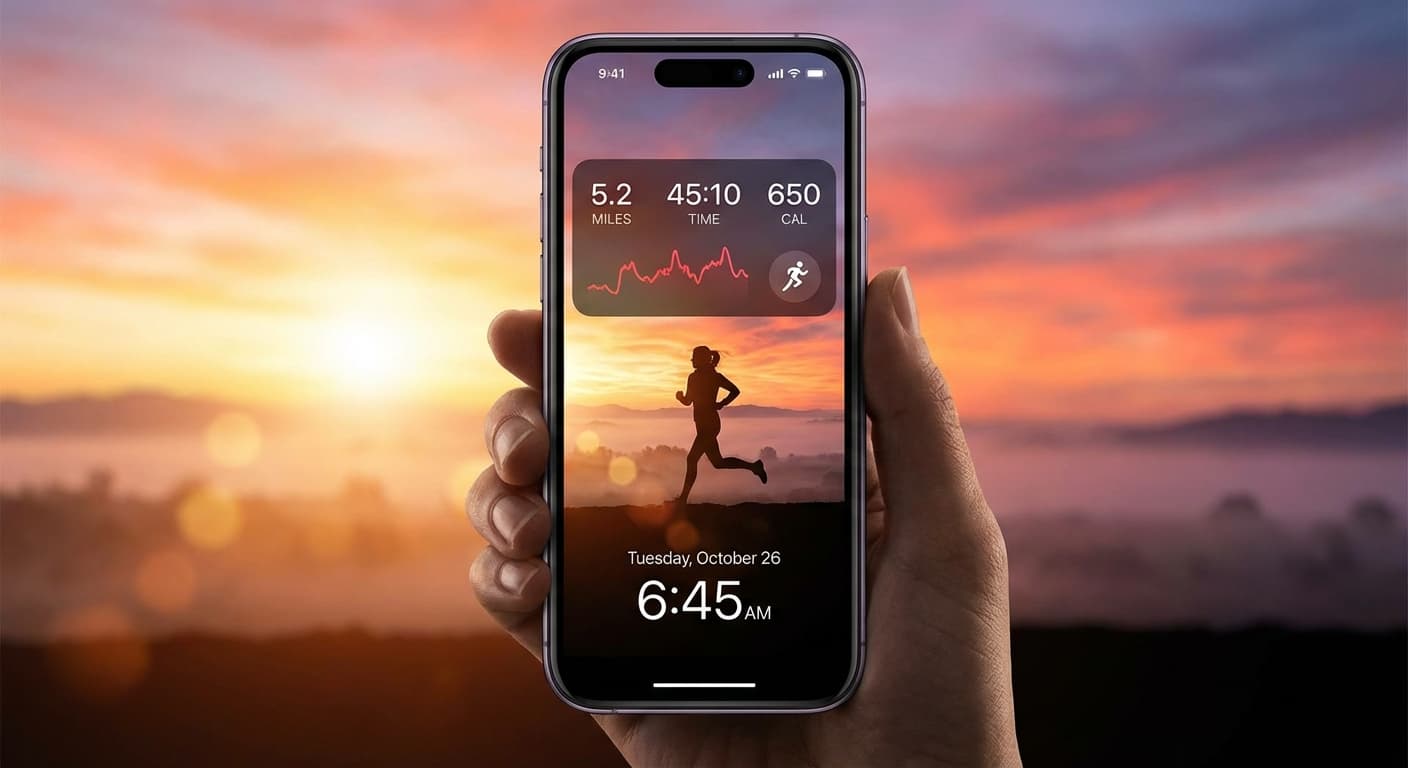
Level Up Your Lock Screen: The Ultimate 2026 Fitness Dashboard for iPhone
Transform your iPhone lock screen into a powerful fitness dashboard in 2026! Get motivated, track progress, and crush your goals with these tips and tricks.
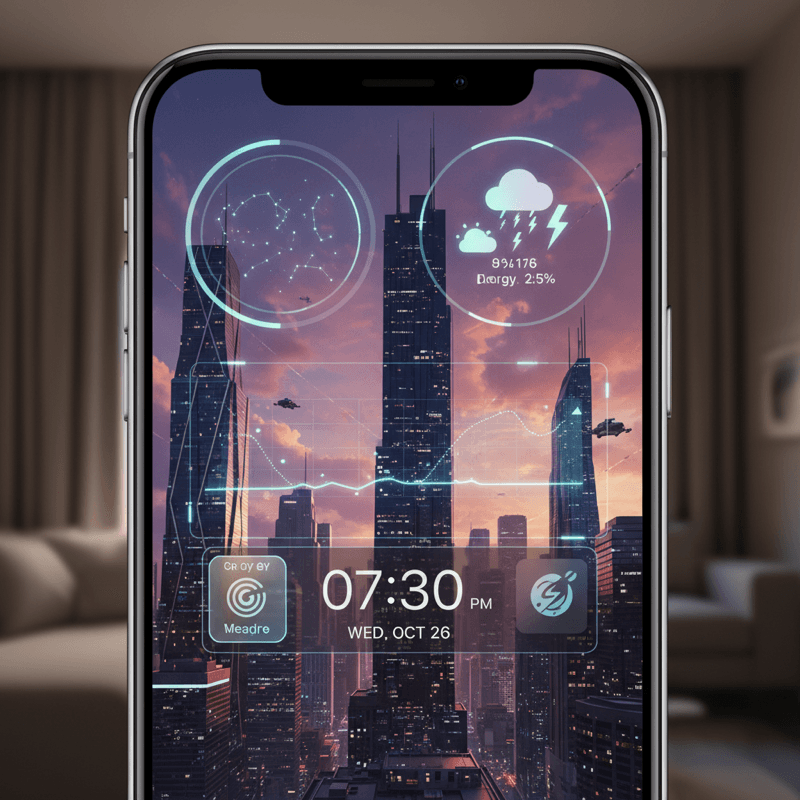
Future-Proof Your iPhone: Lock Screen Customization Secrets for 2026
Unlock the full potential of your iPhone lock screen! Dive into advanced customization, trending aesthetics, and productivity hacks. Future-proof your device now!