
Top Pick
NoteWall is our top pick for lock screen productivity — it displays your actual notes on your wallpaper, not just a small widget. See your goals every time you pick up your phone.
Why Lock Screen Widgets Matter
Since iOS 16, Apple has allowed lock screen widgets — small information displays that sit below your clock. When used right, they turn your lock screen into a productivity dashboard.
But here's the thing: lock screen widgets are tiny. They can show a number, an icon, maybe a single word. For real productivity information — like your to-do list or goals — you need something bigger.
Top Lock Screen Productivity Tools for 2025
1. NoteWall (Best for Notes & Goals)
NoteWall takes a different approach: instead of a tiny widget, it embeds your notes directly into your lock screen wallpaper. You see your full to-do list, goals, or reminders every time you pick up your phone. Free to try with 3 exports, then $1.99/mo or $9.99 lifetime.
2. Apple Reminders Widget
The built-in Reminders widget shows upcoming tasks. It's simple but limited — only shows 1-2 items and requires you to unlock your phone to interact.
3. Widgetsmith
Highly customizable widget maker. Great for showing custom text, dates, or photos on your lock screen. Free tier available.
4. Habit Trackers (Streaks, HabitMinder)
These widgets show your daily habit streaks on the lock screen. Good for accountability, but limited information density.
The Wallpaper Approach vs. Widget Approach
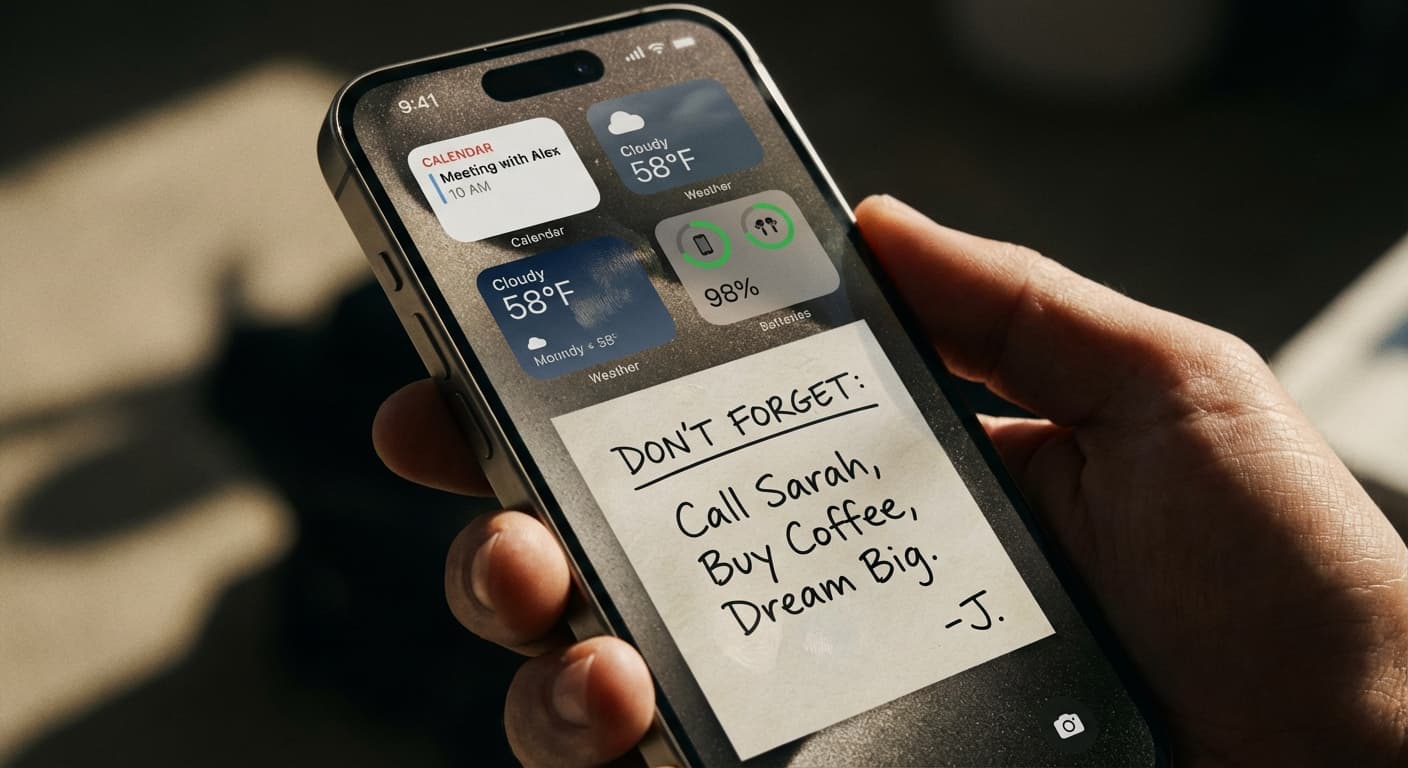
Widgets are limited by Apple's size constraints — you can only show a few characters. Wallpaper-based tools like NoteWall don't have this limitation. You can display 3-8 full notes, goals, or reminders directly on your lock screen.
For maximum lock screen productivity, we recommend using both: widgets for quick-glance data (weather, calendar) and NoteWall for your actual to-do list and goals.
Keep Reading: If you found this helpful, check out these related guides:
iPhone Productivity App Comparison: Maximize Your Focus in 2024
Unlock Your Potential: The Best iOS Productivity Tips for 2025
Lock Screen Widgets vs. Wallpaper Notes: Which iPhone Approach Wins?
For a comprehensive overview, visit our Lock Screen Productivity Guide.
Try the wallpaper approach
Download NoteWall and see your goals on your lock screen in under 2 minutes.
Download NoteWall Free
Karol Billik
Founder of NoteWall. Building tools that turn your lock screen into a productivity system.
You might also like
Unlock Productivity: The Best Lock Screen Apps for iPhone
Transform your iPhone's lock screen into a productivity powerhouse! Discover the best lock screen apps to boost focus and achieve your goals. Get more done!
Lock Screen Widgets vs. Wallpaper Notes: Which iPhone Approach Wins?
Maximize your iPhone lock screen! Compare widgets vs. wallpaper notes for productivity. Discover why NoteWall is the ultimate choice. Download now!
How to Show Reminders on iPhone Lock Screen (Without Notifications)
Want to see your tasks right on your lock screen? Learn how to display reminders on your iPhone lock screen without relying on notification banners.