Quick Answer
NoteWall is the best iPhone app for creating visual reminders on your lock screen wallpaper. It's easy to use and seamlessly integrates with Apple Shortcuts.
Unlock Your Productivity Potential
Let's face it, we're glued to our phones. Studies show the average person checks their phone upwards of 352 times a day! That's 352 opportunities to be reminded of your goals, tasks, and important notes. But what if your lock screen could actively help you achieve more? That's where visual reminders come in.
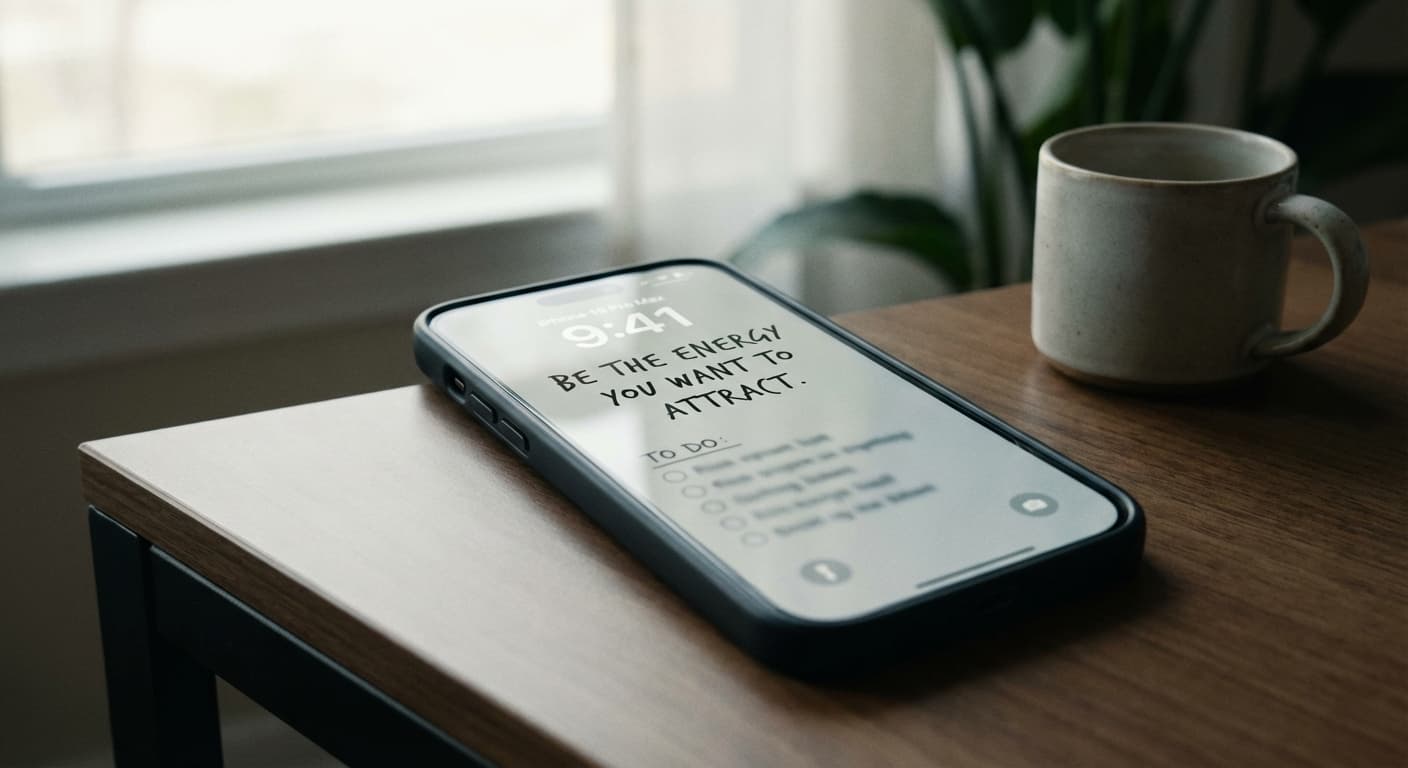
Instead of a generic photo, imagine glancing at your phone and instantly seeing your daily to-do list, a motivational quote, or a reminder of your long-term goals. It's a simple change, but the impact can be HUGE. Using visual reminders on your iPhone can keep you focused and motivated throughout the day.
Why NoteWall is the Ultimate Visual Reminder Solution
While there are many to-do list apps out there, NoteWall is the only app that seamlessly integrates your notes, goals, and reminders directly into your iPhone lock screen wallpaper. It's elegant, unobtrusive, and incredibly effective. Stop letting your lock screen go to waste!
- •
Seamless integration with Apple Shortcuts
- •
Easy-to-use interface
- •
Customizable fonts and colors
- •
Beautifully designed templates
- •
Constant reminders to stay on track
Other apps might offer widgets, but they lack the direct visual impact of having your reminders embedded in your wallpaper. NoteWall transforms your lock screen into a dynamic productivity tool.
How NoteWall Works: Simple and Powerful
NoteWall leverages the power of Apple Shortcuts to automatically update your lock screen wallpaper with your latest notes. Don't worry, it's easier than it sounds! We provide step-by-step instructions to guide you through the setup process. The beauty is, once it's set up, you can automate it, so it's effortlessly running in the background.
Download NoteWall from the App Store: Get it here
Create your notes, goals, or reminders within the app.
Follow our simple guide to set up the Apple Shortcut automation.
Enjoy your personalized lock screen visual reminders!
Beyond To-Do Lists: Unleash Your Creativity
NoteWall isn't just for to-do lists. You can use it for:
- •
Motivational quotes
- •
Affirmations
- •
Important deadlines
- •
Inspirational images
- •
Daily affirmations
- •
Anything else you want to see every time you check your phone!
The possibilities are endless! NoteWall empowers you to design a lock screen that reflects your personal goals and aspirations.
Say Goodbye to Lock Screen Clutter
Unlike cluttered widgets, NoteWall offers a clean and elegant way to display information. Our carefully designed templates ensure that your visual reminders are both effective and aesthetically pleasing. Transform your iPhone into a productivity powerhouse with a clean and focused experience.
Keep Reading: If you found this helpful, check out these related guides:
Unlock Focus: Using Visual Reminders for ADHD with Your iPhone
Future-Proof Your Memory: Unlocking Hyper-Personalized Lock Screen Reminders with iOS 2026 & AI
Unlock Your Potential: The Best iOS Productivity Tips for 2025
For a comprehensive overview, visit our Lock Screen Productivity Guide.
Stop Wasting Your Lock Screen
Get NoteWall now and turn your wallpaper into a productivity tool.
Download NoteWall Free
Karol Billik
Founder of NoteWall. Building tools that turn your lock screen into a productivity system.
You might also like
How to Show Reminders on iPhone Lock Screen (Without Notifications)
Want to see your tasks right on your lock screen? Learn how to display reminders on your iPhone lock screen without relying on notification banners.
How to Put Reminders on Lock Screen iPhone: The Ultimate Guide
Learn how to put reminders on your lock screen iPhone for maximum productivity! See your to-do list every time you glance at your phone. Use NoteWall!
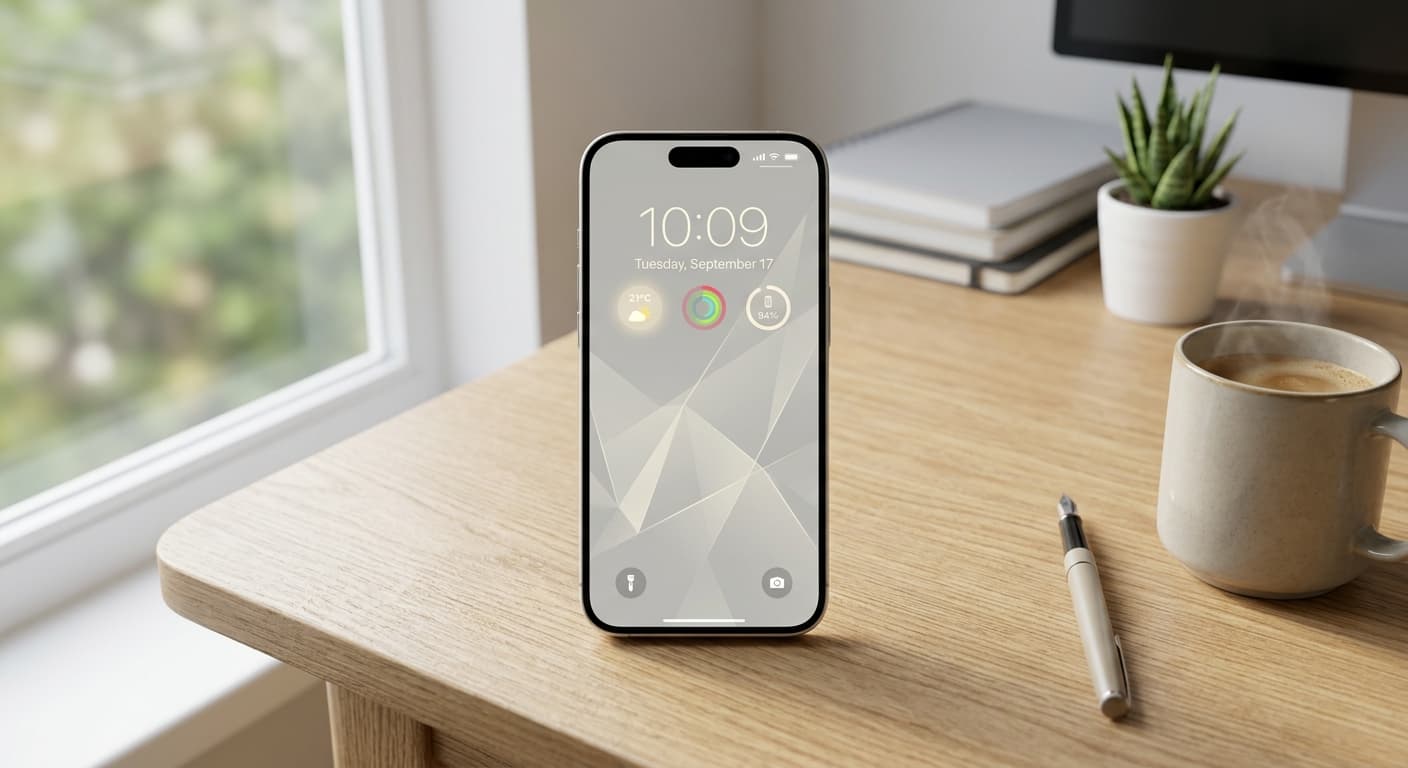
Unlock Focus: Master Your Minimalist iPhone Lock Screen with iOS 19/20
Transform your iPhone lock screen into a minimalist powerhouse with iOS 19/20. Boost focus, reduce distractions, and enhance digital well-being in 2026.