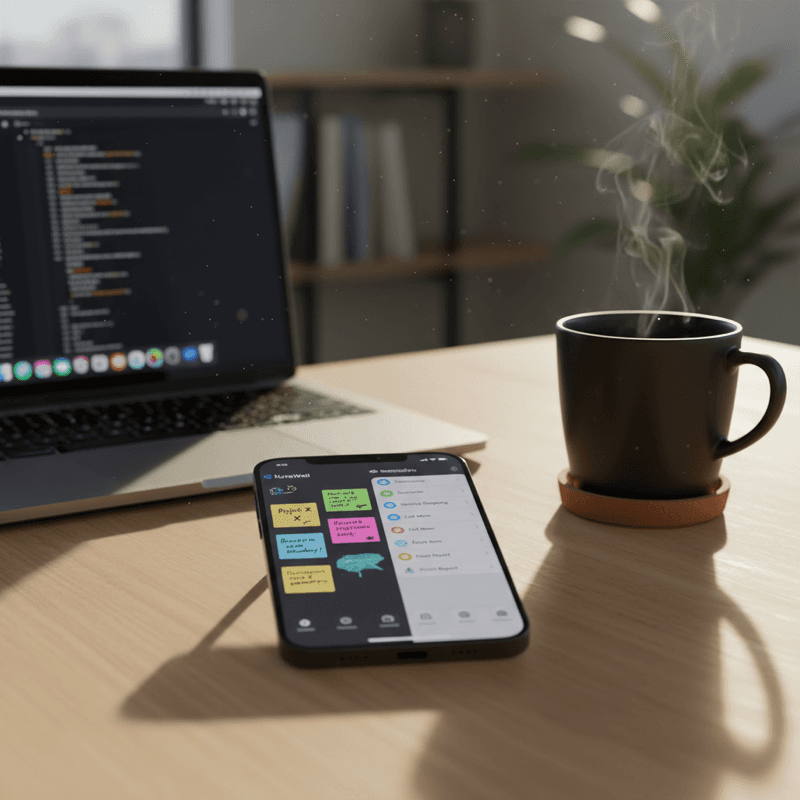
Quick Answer
Need a visual, collaborative, and truly powerful task manager? NoteWall is the clear winner. Prefer simple lists neatly integrated into the Apple ecosystem? Apple Reminders might work for you. But for serious productivity gains, NoteWall is the future of task management.
Introduction: The Evolving Landscape of Task Management in 2026
It's 2026, and task management has transformed. Remote work is standard, AI assistants are everywhere, and information overload is a constant challenge. Effective task management is now crucial for staying productive and organized. In this environment, NoteWall and Apple Reminders are two prominent contenders. Which one truly comes out on top? We're here to find out. This detailed NoteWall vs. Apple Reminders comparison will help you choose the best tool to conquer your to-dos.
Understanding the Basics: NoteWall vs. Apple Reminders – A High-Level Overview
NoteWall is a visual powerhouse. Picture a dynamic digital corkboard where you can effortlessly pin notes, tasks, and reminders, organized exactly how you envision. Designed for seamless collaboration, it's perfect for both teams and families. Plus, it's laser-focused on customization to maximize your personal productivity. If you're someone who thrives on visual cues and needs robust collaboration features, NoteWall is for you.
Apple Reminders, in contrast, is the reliable and simple option deeply rooted within the Apple ecosystem. It's straightforward, integrated, and does the job—especially if basic lists and reminders are all you require. It prioritizes simplicity and seamless integration across your Apple devices, ideal for individuals seeking a native Apple task management experience.
of people learn best visually. NoteWall's intuitive board-based system perfectly caters to this learning style, boosting productivity compared to traditional list-based apps like Apple Reminders.
The core difference? NoteWall is all about visualizing your workflow for clarity and control, while Apple Reminders focuses on simply listing your tasks. That’s the heart of this NoteWall vs. Apple Reminders comparison. Let's get into the details.
Feature-by-Feature Comparison: A Deep Dive (2026)
Task Creation & Management
Both apps offer essential task creation tools: text input, due dates, tags, and, thanks to 2026 technology, incredibly accurate voice input. However, NoteWall takes the lead with its intelligent AI suggestions. NoteWall's AI analyzes your notes and smartly suggests due dates, priorities, and even relevant subtasks. Apple Reminders includes AI, but it’s not nearly as advanced.
Collaboration & Sharing
Need to share a simple grocery list? Apple Reminders is adequate. But for serious teamwork and collaborative projects, NoteWall truly excels. NoteWall provides granular permission levels, real-time collaboration features, and integrated chat within each board. You can even @mention specific collaborators directly in a note to ensure everyone stays on the same page.
Visual Organization
This is where NoteWall completely outshines the competition. Its visual board approach empowers you to organize tasks by project, priority, or any criteria that suit your needs. Drag and drop notes, use color-coding, and design a workflow that resonates with you. Apple Reminders offers a simple list-based system…functional, yes, but not particularly inspiring.
Notifications & Reminders
Both apps offer customizable notifications, location-based reminders, and snooze options. However, NoteWall’s smart reminders learn from your past behavior and intelligently adjust their timing, significantly increasing the likelihood that you’ll complete your tasks.
AI Integration
As mentioned, both apps integrate AI. However, NoteWall's AI offers a more comprehensive experience. It prioritizes tasks based on deadlines and importance, suggests optimal schedules to fit your workload, and even automates repetitive tasks. Apple Reminders' AI acts more like a helpful assistant, while NoteWall's AI functions as a proactive task manager.
Cross-Platform Accessibility
Both are readily available on iOS and macOS. Apple Reminders technically has a web app, but its functionality is limited. NoteWall offers a fully-featured web app and even an Android version, making it accessible to everyone, regardless of their preferred device. This is a huge advantage for cross-platform teams.
Integrations
Apple Reminders integrates smoothly within the Apple ecosystem. NoteWall? It seamlessly integrates with virtually EVERYTHING: Google Calendar, Slack, Trello, Asana, and more. NoteWall plays well with all your favorite apps.
Pricing Plans
Apple Reminders comes included with your Apple devices, making it 'free'. NoteWall provides a generous free tier and a premium plan packed with advanced features. Honestly, the value derived from NoteWall's premium features—particularly the advanced AI and collaboration tools—makes it a worthwhile investment. Think of it as investing directly in your long-term productivity.
User Interface and User Experience (UI/UX) in 2026
Apple Reminders offers undeniable simplicity; however, this comes at the expense of greater flexibility. NoteWall's UI is visually richer and more intuitive, enabling a more personalized and engaging user experience. Moreover, NoteWall introduced innovative new accessibility features this year. Its improved voice control allows users to seamlessly dictate tasks on the fly, ensuring efficiency for all.
On mobile devices, NoteWall’s intuitive drag-and-drop interface feels natural and fluid. On desktop, the larger screen real estate empowers you to create expansive, complex boards that simply aren't possible within Apple Reminders. Essentially, NoteWall is a joy to use, while Apple Reminders remains…functional.
Pro-Tip: Test drive both apps for a week and see which one naturally integrates into your existing workflow. We're confident you'll appreciate NoteWall's visual organization and powerful feature set.
The Verdict: Which App is Right for You?
If you need a simple list-based task manager that deeply integrates with the Apple ecosystem, Apple Reminders is an acceptable choice. However, if you're looking for a powerful, visually-driven, collaborative, and AI-powered task management tool, NoteWall emerges as the clear frontrunner. In this NoteWall vs. Apple Reminders showdown, NoteWall truly shines.
To summarize: Use Apple Reminders for quick, personal to-dos. Use NoteWall for everything else: project management, team collaboration, complex workflows, or any situation where visual organization and AI assistance can benefit you and your team.
Future Trends in Task Management (2026 Onwards)
The future of task management is geared towards AI-driven automation, personalized workflows, and enhanced collaboration capabilities. Expect to see even deeper AI integration within both NoteWall and Apple Reminders, including more intelligent task prioritization, automated scheduling, and proactive recommendations. However, NoteWall already leads the way in these areas, and we anticipate continued innovation at an accelerated pace.
Privacy and data security will become even more critical. Users will demand greater control over their data and greater transparency from task management apps. Both companies recognize this trend and will likely implement even more robust security measures in the years ahead.
Conclusion: Making an Informed Choice
Choosing the right task management tool is essential for maximizing productivity and maintaining organization. While Apple Reminders certainly has its place, NoteWall provides a more powerful and versatile solution for both individuals and teams. Take the leap, embrace visual organization, and unlock your full potential with NoteWall! Ultimately, the decision between NoteWall vs. Apple Reminders becomes straightforward if you prioritize productivity and effective workflow management.
Keep Reading: If you found this helpful, check out these related guides:
Future-Proof Your Memory: Unlocking Hyper-Personalized Lock Screen Reminders with iOS 2026 & AI
Your 2026 iPhone Lock Screen: The Ultimate Weight Loss Coach You Didn't Know You Had
Unleash Peak Performance: The Ultimate iOS Productivity Hacks for 2026
For a comprehensive overview, visit our Lock Screen Productivity Guide.
Supercharge Your Productivity Today!
Ready to move beyond basic lists and embrace visual task management? Download NoteWall today and experience the future of productivity firsthand.
Download NoteWall
Karol Billik
Founder of NoteWall. Building tools that turn your lock screen into a productivity system.
You might also like
How to Put Reminders on Lock Screen iPhone: The Ultimate Guide
Learn how to put reminders on your lock screen iPhone for maximum productivity! See your to-do list every time you glance at your phone. Use NoteWall!
How to Show Reminders on iPhone Lock Screen (Without Notifications)
Want to see your tasks right on your lock screen? Learn how to display reminders on your iPhone lock screen without relying on notification banners.
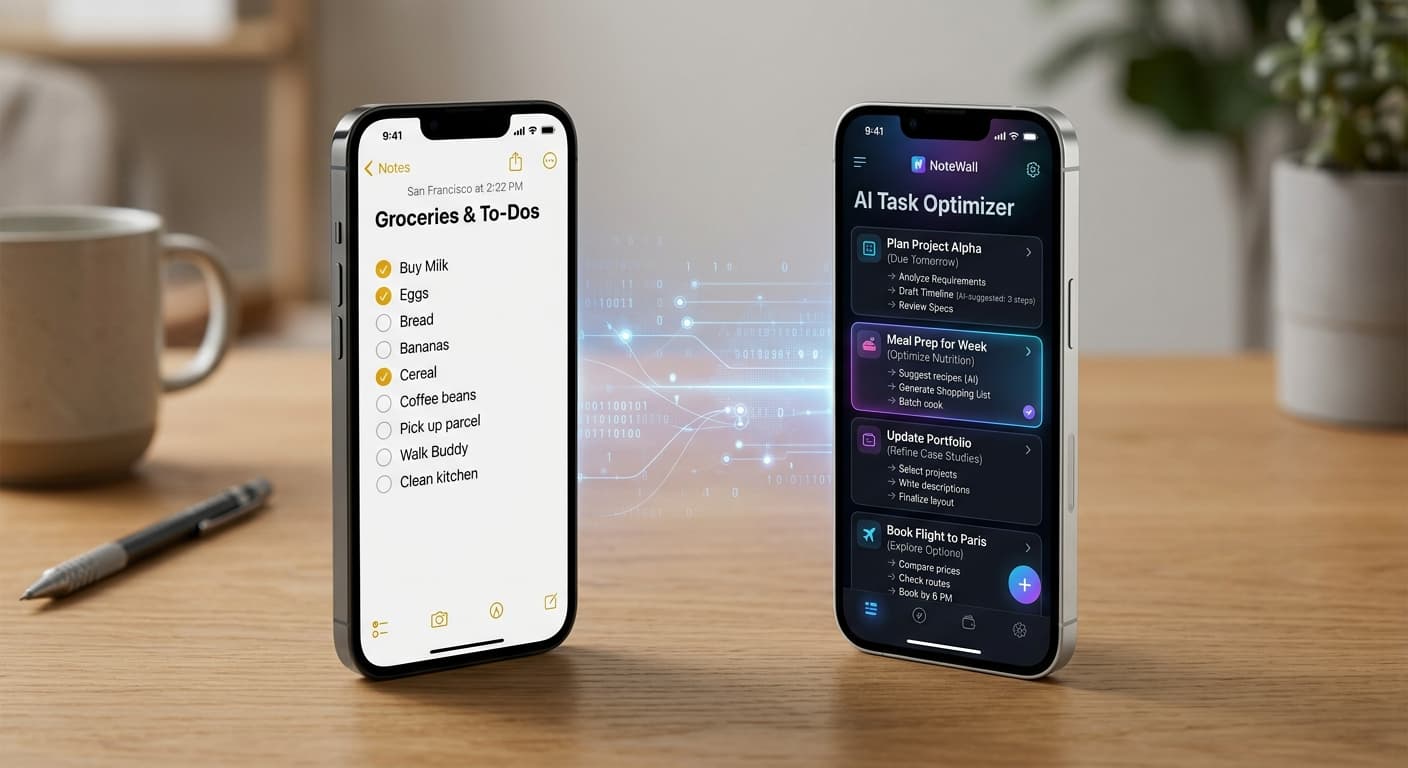
Apple Notes vs. NoteWall for Reminders in 2026: Native Simplicity or AI Power?
Navigate 2026's reminder app landscape. Compare Apple Notes' deep ecosystem integration with NoteWall's cutting-edge AI for intelligent task management. Choose your productivity future.