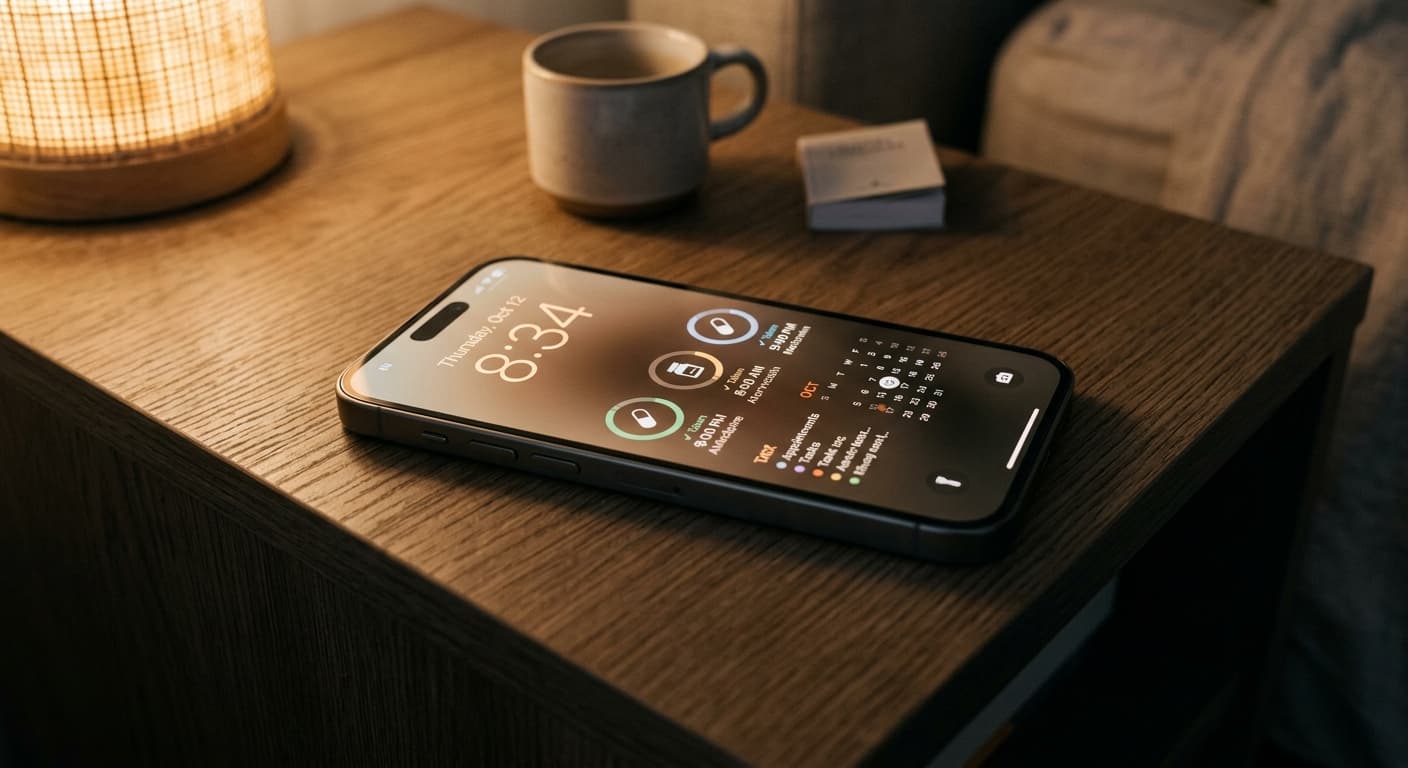
The Critical Role of Medication Adherence in 2026 & The iPhone's Potential
In 2026, managing your health goes beyond yearly check-ups; it's a daily, proactive commitment. For millions, a crucial part of this commitment is medication adherence—taking the right dose, at the right time. Missed doses, incorrect timings, or forgotten refills can compromise health outcomes, from managing chronic conditions to completing short-term treatments. The challenge? Life moves fast. Distractions are constant. This is where your iPhone, a device you likely check countless times a day, steps in as a powerful, intelligent ally.
Quick Answer
Your iPhone lock screen is the ultimate, highly visible hub for medication reminders in 2026. By combining evolved native iOS features like Health and Shortcuts with cutting-edge third-party apps, you create a smart, secure, and privacy-first system that ensures you never miss a dose. Leverage widgets, Live Activities, and AI for real-time, glanceable information that keeps your health front and center.
Why Your Lock Screen is the Ultimate Medication Reminder Location
Think about it: how often do you glance at your iPhone? According to Asurion research, the average person picks up their phone an astonishing 352 times a day. That’s hundreds of opportunities to see a critical reminder without even unlocking your device. Your lock screen isn't just a gateway; it's a prime piece of digital real estate. Placing a medication reminder lock screen iPhone widget or Live Activity ensures that crucial information is always visible, hard to ignore, and effortlessly integrated into your daily flow. No digging through apps, no dismissing an easily forgotten notification—just instant, persistent visibility.
Native iOS Solutions (2026): Harnessing Apple's Ecosystem for Adherence
Apple has significantly evolved its health and productivity features, making your iPhone a formidable tool for medication management right out of the box.
⚠️ The Evolved Apple Health App: Beyond Tracking, Towards Proactive Reminders
In 2026, the Health app is more than just a data repository. Its 'Medications' feature offers robust scheduling, visual medication identification, and sophisticated interaction warnings. Crucially, it now offers predictive reminders—learning your habits and suggesting optimal times, even adapting to time zone changes. You can set specific schedules, log doses, and integrate this data seamlessly with other health metrics.
The power of Apple Shortcuts for medication is unparalleled. You can create custom automations that trigger based on time, location, or even device state (like arriving home). Imagine a Shortcut that prompts you to take your evening pill when your 'Dinner Time' Focus Mode activates, then displays a confirmation note directly on your lock screen using an app like NoteWall. This provides a highly personalized and efficient digital pill organizer Apple experience.
Utilize Lock Screen Widgets and Live Activities to keep your medication schedule front and center. A small widget showing your next dose time or a Live Activity counting down to your next medication window provides glanceable, real-time information. It’s the ultimate visual cue for a medication reminder lock screen iPhone.
Integrating with Focus Modes for medication notifications means your critical health reminders cut through the noise. Set up a 'Health Focus' that allows medication alerts even when other notifications are silenced, ensuring you get that vital ping without being overwhelmed by less important alerts.
Top 2026 Third-Party Medication Reminder Apps for iPhone: Features & Innovations
While native iOS is strong, third-party apps push the boundaries further, offering specialized features, often leveraging AI medication assistant iOS capabilities.
⚠️ Criteria for Selection: AI, Privacy, Integration, User Experience
When choosing an app, prioritize those that offer intelligent insights (AI), robust data privacy, seamless integration with Apple Health, and an intuitive user experience. The best apps become proactive partners in your health journey, not just simple timers.
App Spotlight 1: Medisafe Reimagined – This industry leader has evolved, now leveraging generative AI for personalized health insights. It predicts potential adherence issues based on your logged data, offers adaptive scheduling, and boasts advanced caregiver medication reminder app features for securely managing loved ones' prescriptions.
App Spotlight 2: MyTherapy NextGen – Focuses on robust scheduling across complex regimens, with deep integration into Apple Health. Its updated UI in 2026 makes managing multiple medications, recording symptoms, and tracking progress incredibly intuitive. It's a go-to for those with comprehensive health data sync needs.
App Spotlight 3: PillSight AI – An emerging innovator, PillSight AI uses your iPhone's advanced camera and AR capabilities to visually identify pills and confirm correct dosages, reducing errors. It also features integrated telehealth links, making prescription refills and consultations almost effortless. This is truly an intelligent, smart medication reminders iPhone solution.
Step-by-Step Guide: Setting Up Your Ideal Lock Screen Medication Reminder
For Native iOS Options: Navigate to the Health app > Browse > Medications. Add your medications and set schedules. Then, go to your iPhone's Lock Screen customization, tap 'Customize', and add Health widgets to display your next dose.
For Shortcuts: Open the Shortcuts app. Create a Personal Automation (e.g., 'Time of Day' for your medication schedule). Add actions to display a notification and, if using NoteWall, 'Create Lock Screen Note' to put a dynamic reminder directly on your lock screen.
For Your Chosen Third-Party App: Download your preferred app from the App Store (e.g., Medisafe Reimagined). Follow the in-app instructions to set up your medications and schedules. Crucially, grant the app permission to access Apple Health and send notifications. Then, add the app's dedicated lock screen widgets for a visible medication reminder lock screen iPhone.
Advanced Strategies for Medication Management with Your iPhone in 2026
Apple Watch Integration: Extend your reminders to your wrist. Get haptic alerts and confirm doses directly from your Apple Watch. It's an incredibly discreet and convenient way to stay on track, especially for busy individuals. This ties into the ultimate digital health experience.
Siri Proactive Reminders & Voice Commands: Siri in 2026 is smarter than ever. Enable 'Siri Suggestions' in Health for proactive medication reminders. You can also simply say, "Hey Siri, log my morning medication" or "Hey Siri, when's my next dose?" for hands-free management.
Family Sharing & Caregiver Access: For caregivers, securely managing medications for elderly parents or children is vital. Many leading apps and Apple Health's sharing features allow controlled access, ensuring loved ones receive their medication without compromising privacy. This is critical for robust patient compliance technology.
⚠️ Data Privacy & Security: What to Look for in Apps and iOS Settings
Always prioritize apps with strong encryption and clear privacy policies. Ensure you understand how your secure health data iPhone information is handled. On iOS, regularly review app permissions in Settings > Privacy & Security > Health. Apple's commitment to privacy remains a cornerstone of its ecosystem, but vigilance is key.
Choosing the Right Solution: Factors to Consider for Your Personal Needs
Your ideal setup depends on your complexity of regimen, tech comfort, and specific health goals. If you have a simple schedule, native iOS and a basic widget might suffice. For complex regimens, chronic conditions, or caregiver roles, investing in a feature-rich third-party app with AI-driven insights will be invaluable. Remember to check out resources like The Best Reminder Apps for iPhone in 2026 (AI-Powered) for more options.
The Future of Medication Reminders: What's Next for iOS and Digital Health (Post-2026 Horizon)
The horizon beyond 2026 promises even more sophisticated integrations. Expect deeper AI integration, hyper-personalized predictive health reminders, and seamless interoperability with remote patient monitoring devices. Imagine your iPhone intelligently adjusting reminders based on biometric data or even your sleep patterns. The goal is an invisible, intelligent safety net that supports your health effortlessly. For more on cutting-edge lock screen tech, explore our Future-Proof Your Memory: Unlocking Hyper-Personalized Lock Screen Reminders with iOS 2026 & AI guide.
Conclusion: Empowering Your Health Journey with a Smart iPhone Lock Screen
In 2026, your iPhone is far more than a communication device; it’s a powerful health companion. By leveraging its evolved native features and innovative third-party apps, you can transform your lock screen into an intelligent, secure, and highly effective medication reminder lock screen iPhone hub. Take control of your medication adherence and empower your health journey with the technology already in your pocket. Explore even more ways to boost your lock screen productivity with our ultimate guide.
Need a simple, powerful lock screen note? Try NoteWall!
Quickly create and display notes or reminders right on your iPhone lock screen via Shortcuts. Perfect for those custom medication prompts!
Download NoteWall
Karol Billik
Founder of NoteWall. Building tools that turn your lock screen into a productivity system.
You might also like
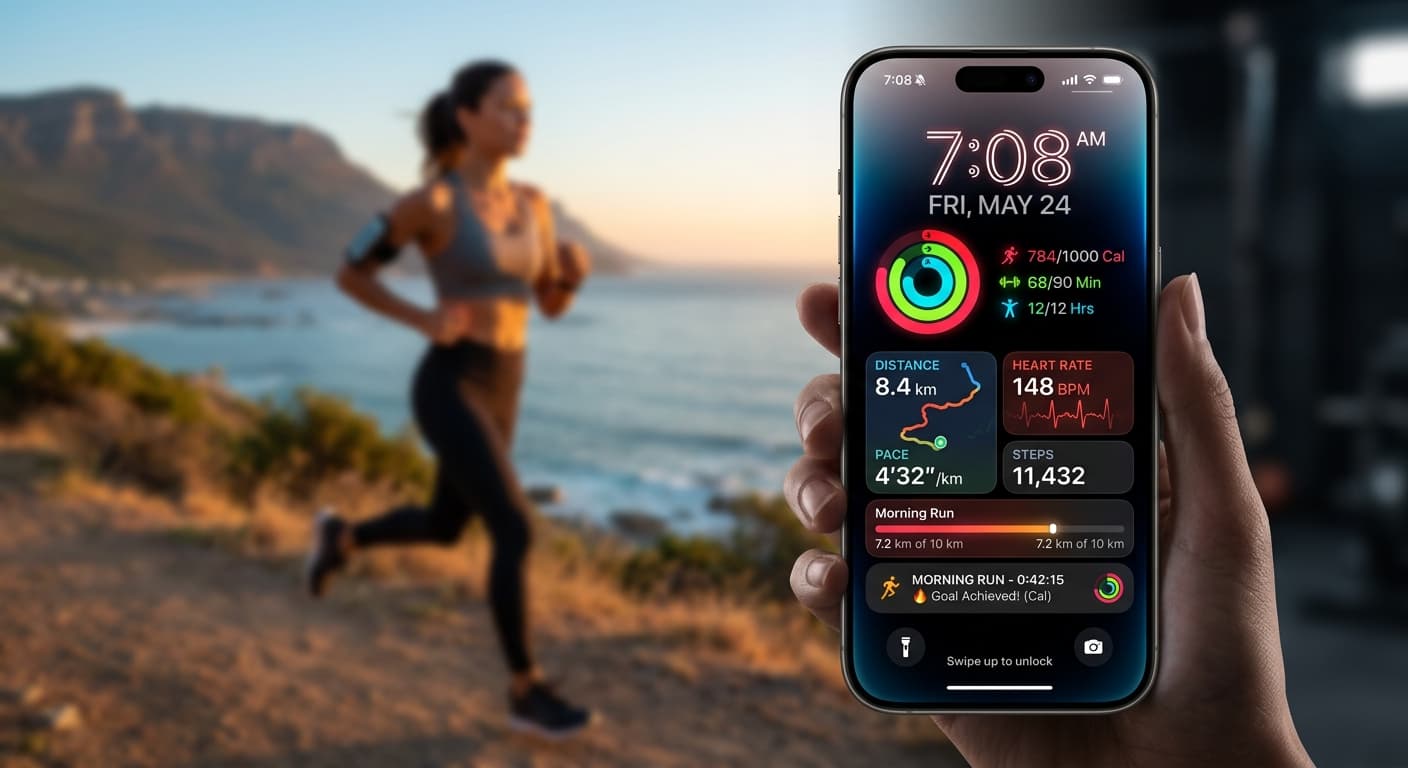
Your 2026 iPhone Lock Screen: The Ultimate Weight Loss Coach You Didn't Know You Had
Transform your iPhone lock screen into a dynamic, AI-powered weight loss motivator in 2026. Leverage iOS 19/20 features, widgets, and NoteWall for real-time progress & inspiration.
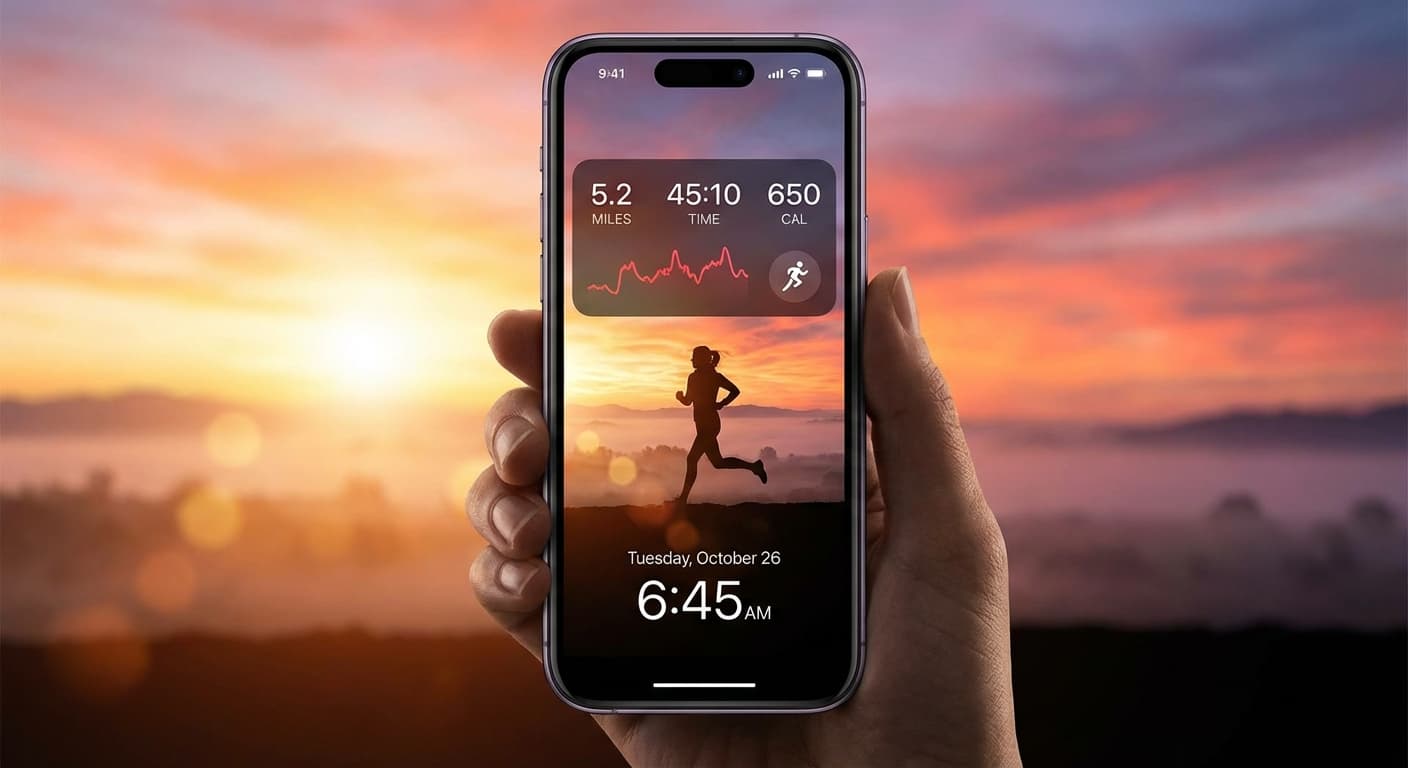
Level Up Your Lock Screen: The Ultimate 2026 Fitness Dashboard for iPhone
Transform your iPhone lock screen into a powerful fitness dashboard in 2026! Get motivated, track progress, and crush your goals with these tips and tricks.
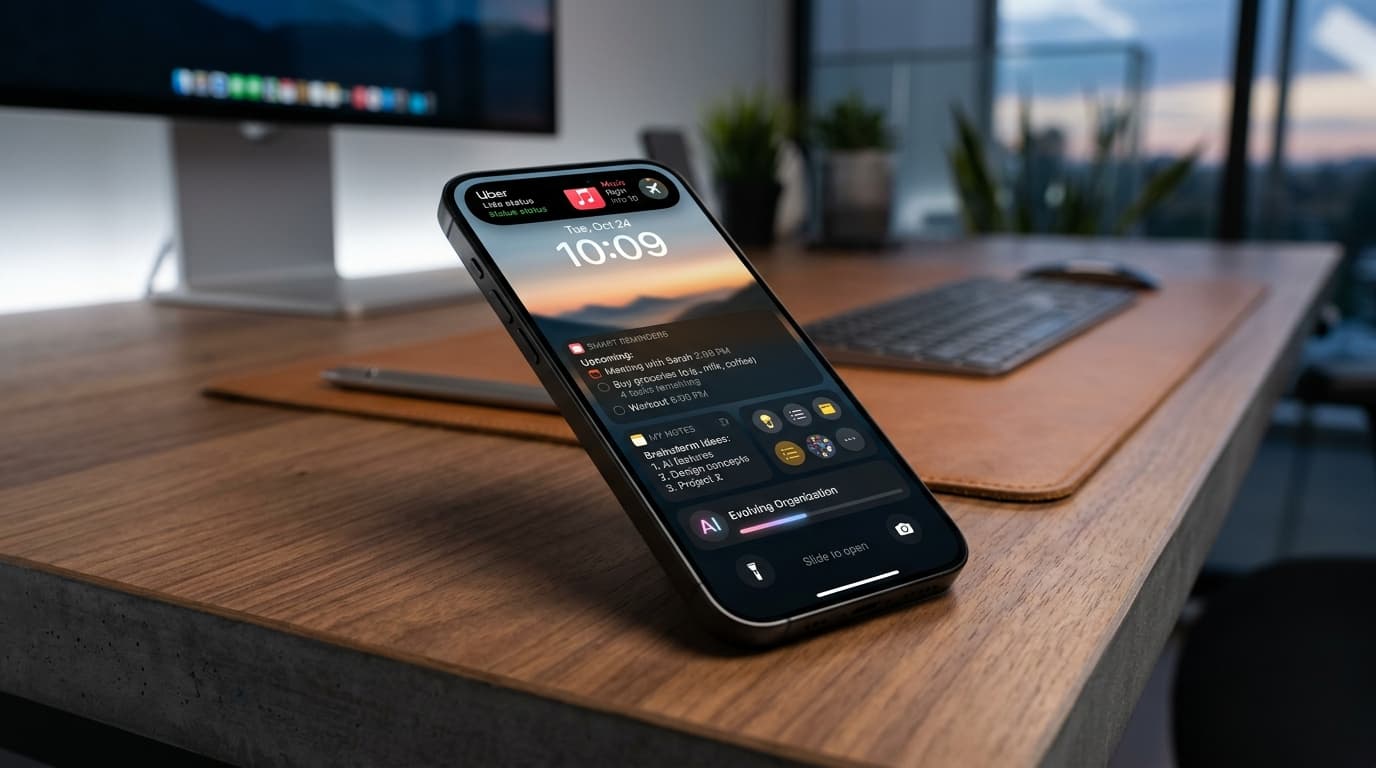
Future-Proof Your Memory: Unlocking Hyper-Personalized Lock Screen Reminders with iOS 2026 & AI
Master your memory in 2026 with cutting-edge iPhone lock screen reminders. Leverage iOS 2026 features, AI, and NoteWall for ultimate productivity.