Quick Answer
For ADHD time blindness, your 2026 iPhone is a powerhouse. Leverage native iOS features (enhanced Reminders, Focus Modes, Siri Shortcuts), specialized third-party apps (visual timers, neurodivergent-friendly task managers), and the emerging capabilities of Apple Intelligence and Apple Watch. These tools offer externalized, multi-sensory cues that profoundly help manage time, tasks, and executive function challenges for the neurodivergent brain.
Introduction: Navigating the Invisible Clock – Your iPhone as Your ADHD Time Ally in 2026
Ever felt like time is a slippery, invisible concept? Deadlines loom, appointments vanish, and the 'five minutes' you budgeted somehow transforms into an hour? If you live with ADHD, you know this frustrating reality all too well. It’s not a lack of effort or willpower; it’s ADHD time blindness, a neurological difference where the abstract concept of time simply doesn't 'stick' like it does for neurotypical brains.
But here's the game-changer for 2026: your iPhone. It’s no longer just a communication device; it's an evolving, powerful ecosystem packed with native features, smart apps, and advanced AI (like the much-anticipated Apple Intelligence) ready to become your ultimate external brain. This isn't about generic time management; it's about ADHD time management iPhone solutions tailored to how your brain works. Get ready to discover your 2026 toolkit for reclaiming your time.
Understanding ADHD Time Blindness: Why Traditional Methods Fail
At its core, time blindness means living primarily in 'now' or 'not now.' The future feels abstract, the past hazy, and the transition between moments often goes unnoticed. This makes planning, prioritizing, and estimating task duration incredibly difficult. Traditional paper planners or simple calendar apps, while helpful for some, often fail because they rely on an internal sense of time that many with ADHD lack.
What the ADHD brain craves are external, tangible, and often multi-sensory cues. We need time to be visualized, felt, and heard, not just abstractly understood. This is where your iPhone, paired with the right strategies, becomes an indispensable tool.
Native iPhone Features: Your Built-in 2026 Time Management Toolkit
Your iPhone is loaded with powerful, often underutilized tools. In 2026, iOS has pushed these features further, making them more adaptable for executive dysfunction solutions iPhone users need.
Personalize Everything: The power of these native tools lies in their customization. Don't settle for defaults; tweak every setting, sound, and visual cue to resonate with your unique brain.
- Enhanced Reminders App (iOS 2026): This isn't just a basic to-do list anymore. Leverage location-based reminders ("remind me to grab groceries when I leave work") and person-based reminders ("remind me to ask Sarah about the project when I message her"). With advanced sub-tasking, smart lists, and AI-suggested follow-ups, it's a dynamic external memory aid. For more on this, check out our guide on Unlock Your iPhone's Potential: The Best Reminder Apps for iPhone in 2026 (AI-Powered).
- Dynamic Calendar App Integration: Move beyond just seeing appointments. Use color-coding for different types of events (work, personal, self-care), link directly to tasks in Reminders, and let AI offer predictive scheduling for recurring events. Visualizing time blocks is crucial for ADHD brains.
- Advanced Focus Modes: No more notification chaos! Customize Focus Modes for specific tasks or time blocks. Set a "Deep Work" mode that silences everything but your essential apps and contacts. Automate activations based on time or location, syncing seamlessly across your iPhone, Apple Watch, and Mac. Learn more with our article Reclaim Your Focus: A 2026 Guide to Conquering Phone Addiction.
- Siri Shortcuts for Automation: This is where your iPhone truly becomes a hyper-personalized assistant. Create complex routines like a 'Morning Routine' shortcut that plays specific music, pulls up your daily tasks, and even starts a verbal timer for your coffee. Use Siri for quick, conversational timers and prompts – "Hey Siri, start a 25-minute focus timer." Check out Unlocking Peak Efficiency: Master iPhone Shortcuts Automation in 2026 for more inspiration.
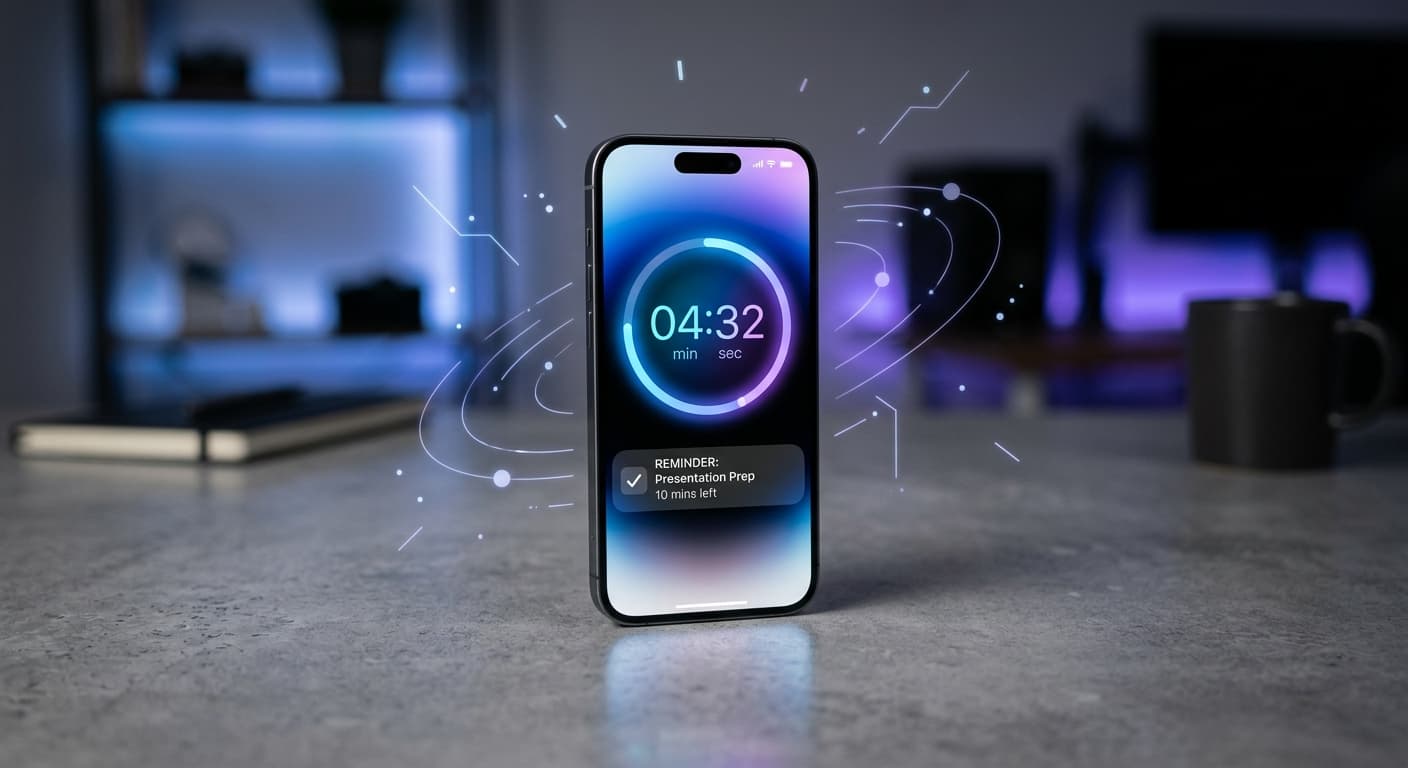
- Clock App Beyond Basics: Don't just set one alarm. Use multiple, labeled timers for different tasks. Utilize the visual countdowns. Crucially, experiment with haptics and specific alarm tones for varying urgency levels – a gentle vibration for a break reminder, a distinct chime for a deadline.
- Accessibility Features: These aren't just for specific needs; they’re powerful focus tools. 'Speak Screen' can read out long articles or task lists, preventing your eyes from glazing over. 'Magnifier' helps you hone in on crucial text without distraction.
Top iPhone Apps Tailored for ADHD Time Blindness (2026 Curated Picks)
Beyond native features, a robust ecosystem of third-party apps offers specialized iPhone productivity apps ADHD brains can truly thrive with.
- Visual Timers & Time Trackers: Apps like Time Timer or Visual Timer Pro are essential for making time tangible. They provide clear, visual representations of time passing, often with customizable alerts and haptic feedback. This is a primary strategy for overcoming time blindness with technology.
- Neurodivergent-Friendly Task Managers: Apps such as Todoist (with its advanced filters and visual boards), Things 3 (for a beautifully structured workflow), or Fantastical (combining calendar and tasks with natural language input) shine here. They help break down overwhelming tasks, offer visual progress cues, and can even gamify completion. For those quick, urgent reminders that must hit your eyeballs without unlocking your phone, NoteWall stands out. It pushes notes and lists directly to your lock screen via Shortcuts, turning your passive glances into active prompts. No more swiping past vital info!
- Habit Trackers with Smart Nudges: Streaks and Habitica go beyond simple reminders. They offer customizable reminder patterns, gamification elements, and contextual prompts to build consistent habits. They act as proactive smart reminders for ADHD users.
- Focus & Body Doubling Apps: Flora (plant-growing timer), Focusmate (virtual accountability partners), or Flow State (for deep work sounds) create external structure for focused work sessions. These are vital for maintaining attention and minimizing distractions.
- Smart Note-Taking with Reminders: Apple Notes (with its advanced features like linked notes, smart folders, and checklists), Craft, or Notion are perfect for capturing fleeting ideas and immediately associating them with time-bound reminders. This is crucial for ADHD time awareness strategies.
Tired of Forgetting Critical Info?
Get your most important notes and reminders directly on your iPhone lock screen. No unlock needed. Stay on top of your game.
Download NoteWallIntegrating Apple Intelligence and Wearables: The 2026 Advantage
The year 2026 marks a significant leap with Apple Intelligence. Imagine your iPhone not just reacting to your input, but proactively anticipating your needs.
- Apple Intelligence (Expected Features): We're talking predictive scheduling that learns your energy patterns, proactive suggestions based on your habits and location (e.g., "It's 3 PM, time for your focused writing session"), and intelligent task prioritization that surfaces what's truly urgent based on your calendar and current context. This is the future of AI for ADHD time management, designed to mitigate time blindness before it even begins.
- Siri's Evolution: Siri is now more contextually aware and conversational. Ask for a reminder like "Remind me about that project update when I'm next at my desk," and Siri intelligently understands your location and task. It can execute multi-step routines based on your current activity or estimated time to completion.
- The Power of Apple Watch: Your wrist becomes a hub for ADHD time management iPhone solutions. Get glanceable information, customizable haptic alerts that gently nudge you, quick timers and alarms, and seamlessly synced Focus Modes. The Apple Watch provides discreet, direct-to-body nudges that are incredibly effective for personalized notifications ADHD individuals benefit from, without pulling out your phone (which, according to Asurion research, we pick up an average of 352 times a day!).
Strategies for Success: Making Your iPhone Solutions Stick
Having the tools is one thing; making them work for you is another. Here’s how to maximize your neurodivergent-friendly time tools:
Start Small & Iterate: Don't overwhelm yourself. Pick one or two solutions to integrate first. Master them, then add more.
Customize & Personalize: Your ADHD brain is unique. Tweak app settings, notification sounds, and visual themes until they click for you. Make them stimulating and helpful, not annoying.
Externalize Your Brain: See your iPhone as an extension of your executive function, not a replacement. You're offloading the burden of remembering and tracking so your brain can focus on other things.
Review & Adapt Regularly: What works today might not work perfectly tomorrow. Schedule a weekly or bi-weekly check-in to review your systems and tweak them as needed.
Leverage Sensory Cues: Experiment with distinct sounds, strong haptics, and bright visual colors for different types of reminders or time warnings. This multi-sensory approach strengthens the cue.
Digital Decluttering: Reduce notification fatigue by turning off non-essential alerts. A minimalist approach to your digital environment makes your chosen ADHD time management iPhone solutions more impactful. Head over to our ADHD Focus Tips pillar page for more in-depth strategies.
Conclusion: Reclaiming Your Time with Smart Tech
ADHD time blindness is a real challenge, but in 2026, your iPhone stands as an incredibly powerful, evolving ally. By intelligently leveraging native iOS features, curated third-party apps, and the burgeoning capabilities of Apple Intelligence and wearables, you can build a personalized system that genuinely supports your neurodivergent brain.
You have the tools; consistency and self-compassion are your keys to success. Start experimenting today, find what resonates, and begin to reclaim your time, one smart reminder at a time. What are your favorite iPhone hacks for conquering time blindness? Share them in the comments below!

Karol Billik
Founder of NoteWall. Building tools that turn your lock screen into a productivity system.
You might also like

Your 2026 iPhone Lock Screen: The Ultimate Weight Loss Coach You Didn't Know You Had
Transform your iPhone lock screen into a dynamic, AI-powered weight loss motivator in 2026. Leverage iOS 19/20 features, widgets, and NoteWall for real-time progress & inspiration.
Level Up Your Lock Screen: The Ultimate 2026 Fitness Dashboard for iPhone
Transform your iPhone lock screen into a powerful fitness dashboard in 2026! Get motivated, track progress, and crush your goals with these tips and tricks.
Future-Proof Your Memory: Unlocking Hyper-Personalized Lock Screen Reminders with iOS 2026 & AI
Master your memory in 2026 with cutting-edge iPhone lock screen reminders. Leverage iOS 2026 features, AI, and NoteWall for ultimate productivity.